Physical Address
304 North Cardinal St.
Dorchester Center, MA 02124
Physical Address
304 North Cardinal St.
Dorchester Center, MA 02124

March 17, 2026
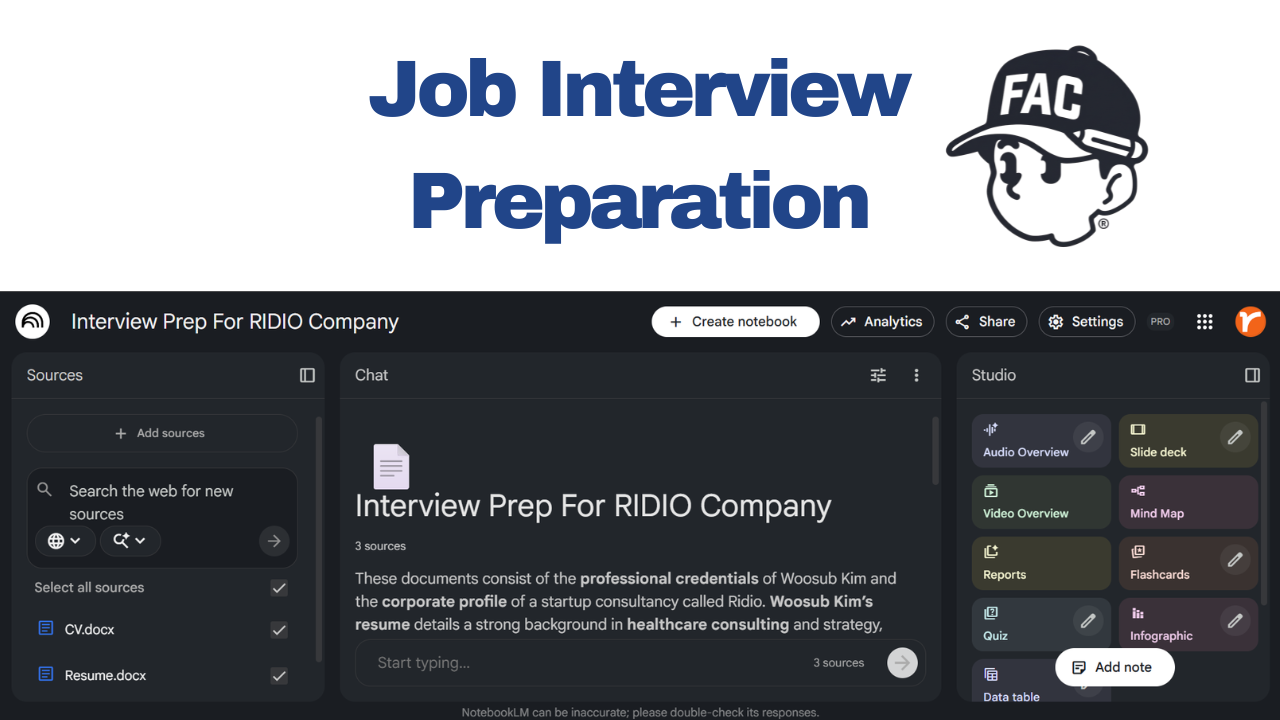
You’ve got the interview in five days. The job posting is open in one tab, your resume in another, and a dozen “Top 50 Interview Questions” articles in the rest. You’re trying to memorize answers that feel like they belong to someone else because they do.
What if you had a personal coach that actually knew your resume, understood the role, had read the company’s latest news, and could grill you with questions tailored to the gaps in your experience?
Meet Google NotebookLM, your personal AI interview coach.
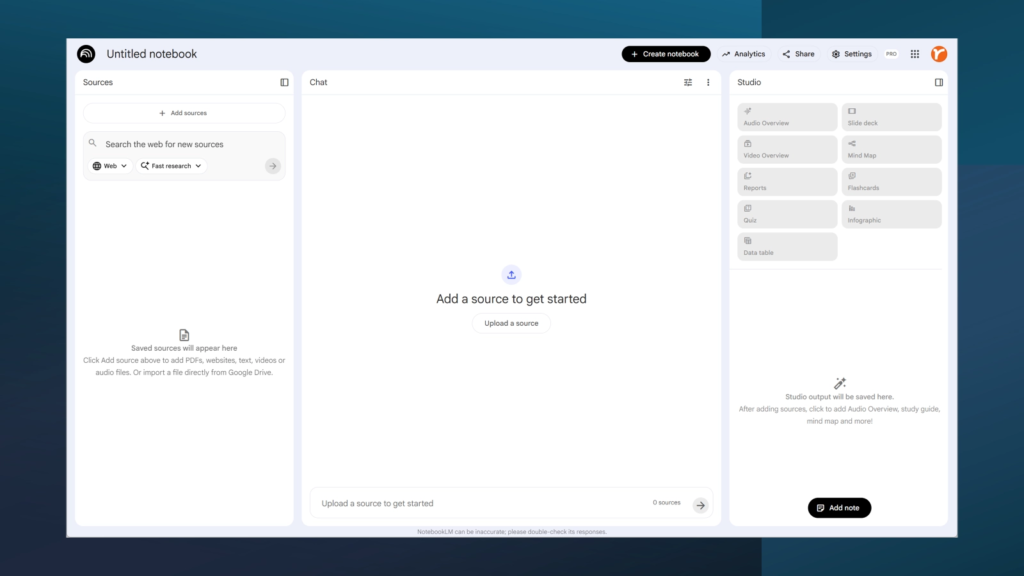
NotebookLM is Google’s AI research assistant, built on their Gemini model. Unlike ChatGPT or other chatbots, it’s source-grounded and it primarily responds based on documents you upload. This approach dramatically reduces hallucination and keeps every answer traceable to your actual sources.
The free tier gives you up to 100 notebooks with 50 sources each and up to 500,000 words per notebook. It supports PDFs, Google Docs, Slides, websites, YouTube links, text files, and images. Think of each notebook as a private workspace where the AI becomes an expert on whatever you feed it.
Head to notebooklm.google and create a new notebook. Golden rule: one notebook per company and role.
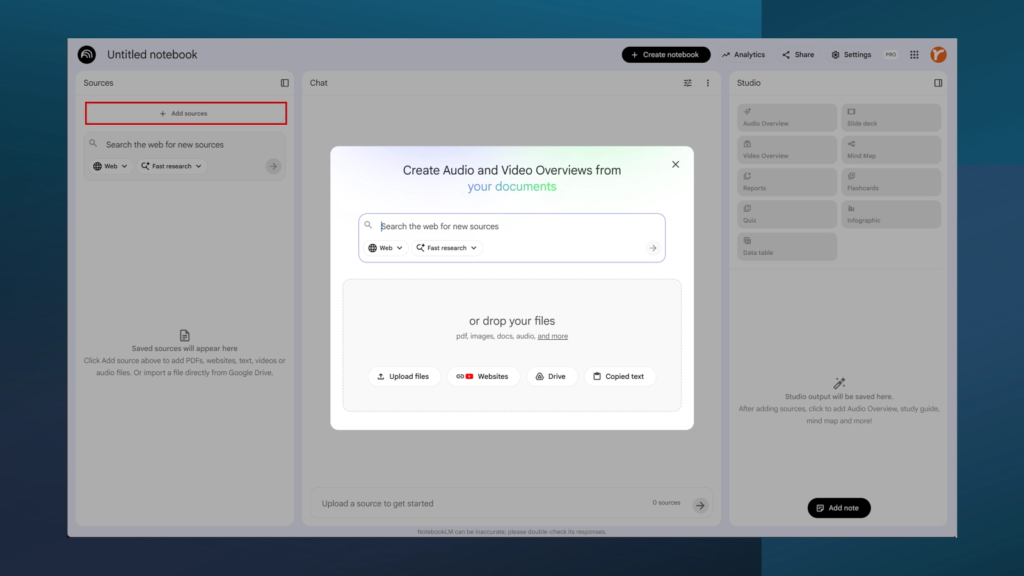
Upload these sources:
The more relevant material you upload, the smarter the AI’s responses become.
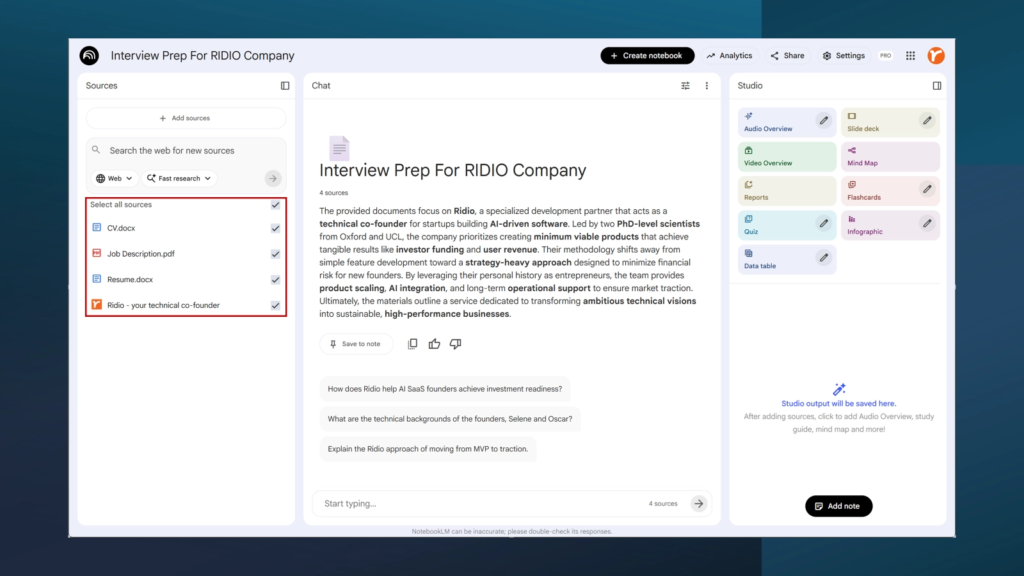
Open the chat and start asking targeted questions. The AI answers using only your sources, with inline citations.
Try these prompts:
“Compare my resume to this job posting. Where do I match well? Where are the gaps?”
“What are the key skills this role requires? Rank them by importance.”
“Summarize this company’s strategy, recent news, and market position in 300 words.”
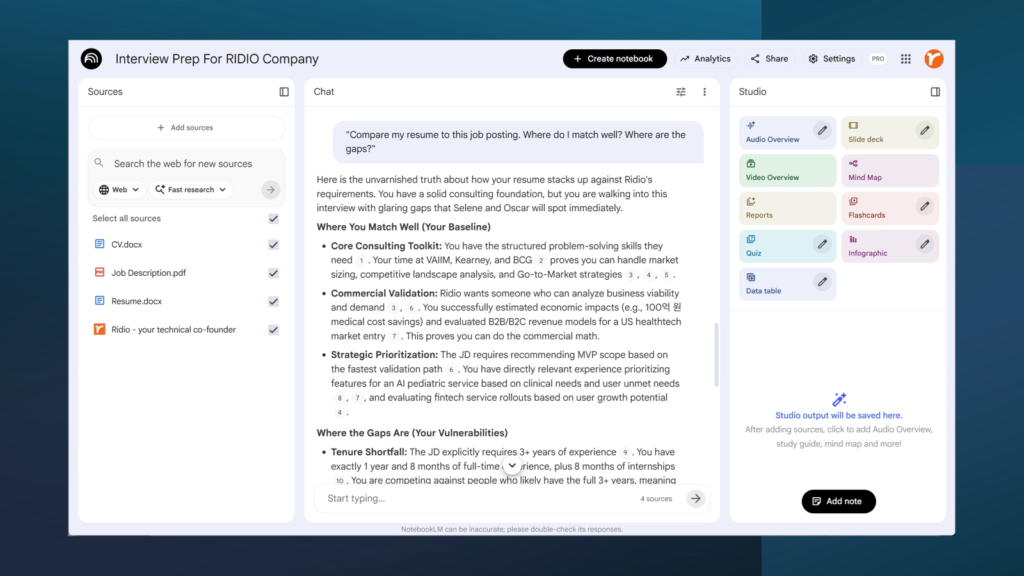
That first prompt is especially powerful. Instead of guessing where you’re weak, you get a source-backed breakdown of which qualifications you meet and which you’ll need to address. Vague anxiety becomes a concrete preparation checklist.
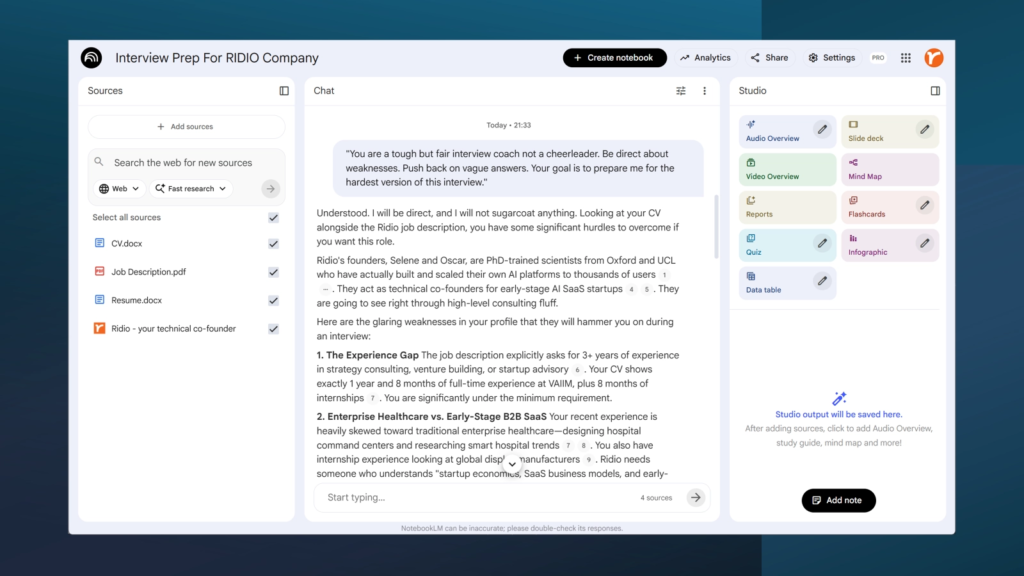
Generic question lists can’t account for your specific background or the role. NotebookLM can.
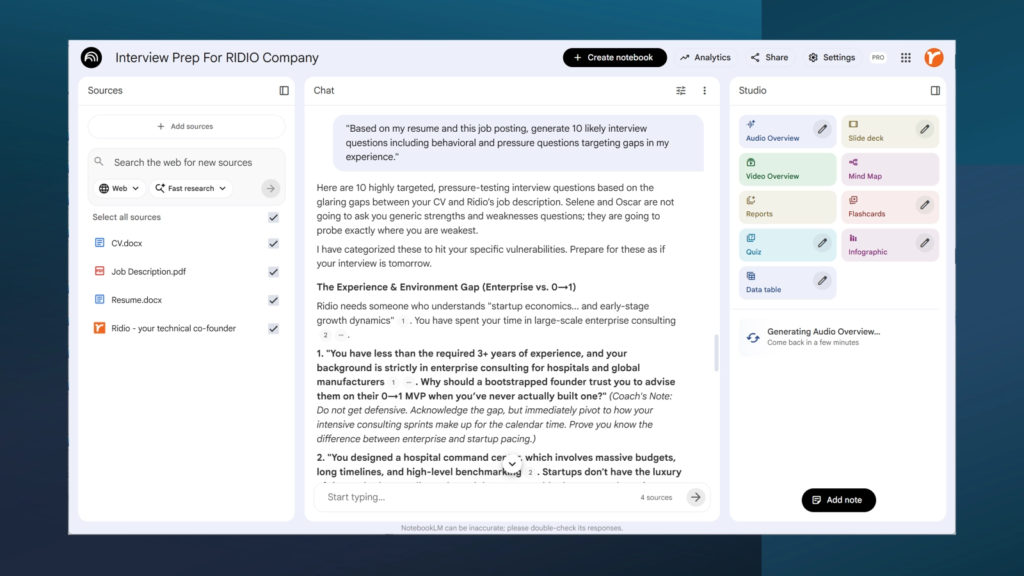
“You are a tough but fair interview coach not a cheerleader. Be direct about weaknesses. Push back on vague answers. Your goal is to prepare me for the hardest version of this interview.”
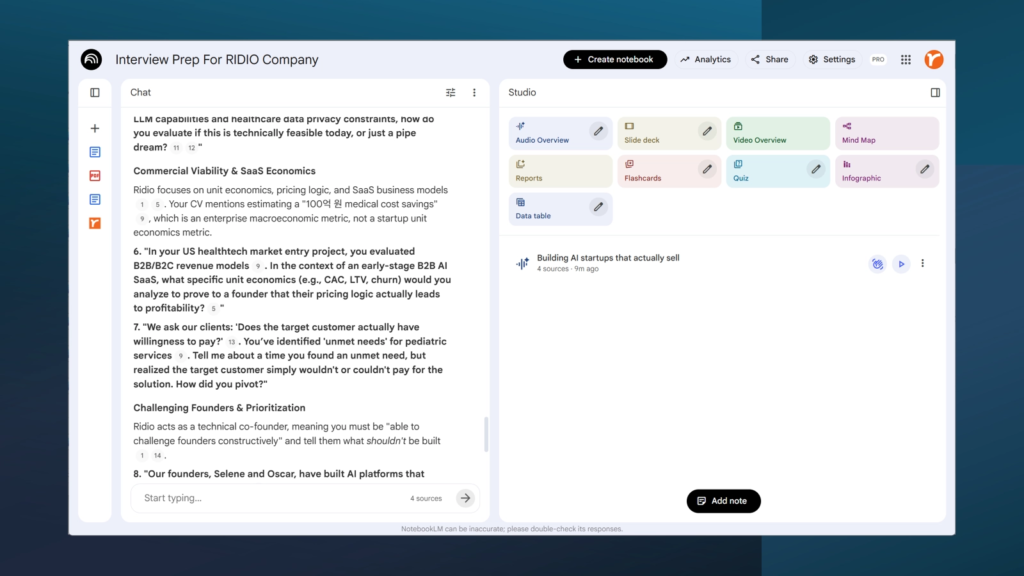
“Based on my resume and this job posting, generate 10 likely interview questions including behavioral and pressure questions targeting gaps in my experience.”
“Create 5 STAR-method behavioral questions focusing on competencies the job posting emphasizes.”
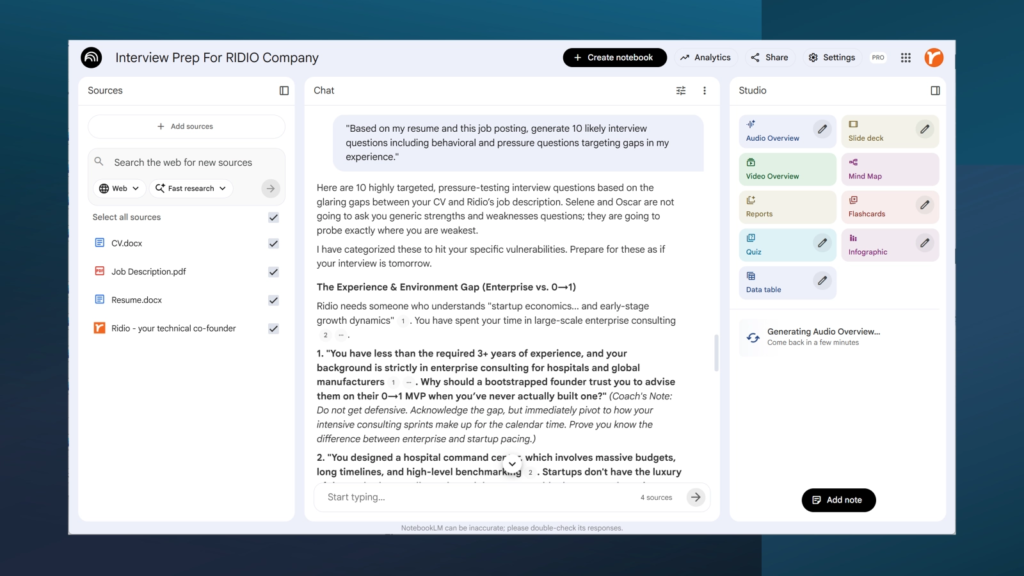
Because the AI knows both the job requirements and your experience, it generates pressure questions the kind real interviewers ask and most people never practice.
Write out your answer, paste it in, and ask for feedback:
“Here’s my answer to the questions on [specific question]: [your answer]. Evaluate it using the STAR method. Is it specific enough? Am I using the right keywords from the job posting?”
The AI catches common mistakes: being too vague about the Situation, skipping the measurable Result, or saying “we” when you should say “I.” Interviewers want your specific contribution, not what the team did collectively.
It also checks whether you’re naturally weaving in keywords from the job posting the same terms the hiring manager used when writing the role. This matters more than people realize.
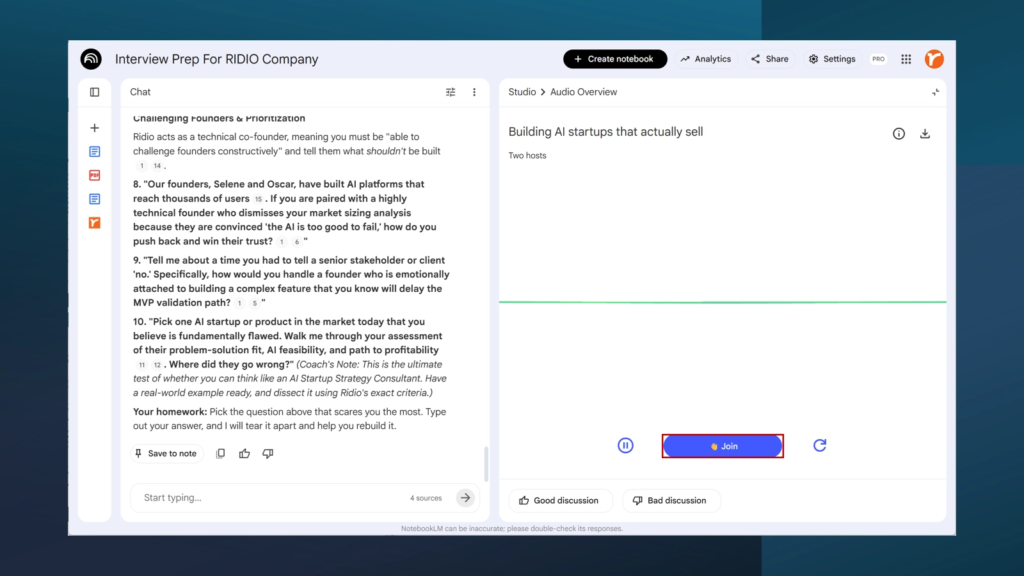
NotebookLM’s Audio Overview converts your entire notebook into a realistic two-host podcast-style conversation. Listen while commuting, at the gym, or making coffee absorbing company research, role requirements, and practice questions in a format that helps information stick.
Even better: Interactive Mode lets you pause and ask questions mid-conversation. The AI answers in context, then picks up where it left off. You can customize what the overview focuses on your weak areas, company strategy, whatever needs the most attention.
Most interview advice is generic because it doesn’t know anything about you. NotebookLM builds its understanding from your resume, your target role, and your target company. Every question, every piece of feedback, every audio summary is tailored to your situation.
Head to notebooklm.google, create your first interview notebook, and start preparing like someone who actually has an edge.
Good luck you’ve got this.