Physical Address
304 North Cardinal St.
Dorchester Center, MA 02124
Physical Address
304 North Cardinal St.
Dorchester Center, MA 02124

Complete guide to creating custom Claude Skill
Previously we discussed how to set up Claude Skills.
Read the post here → How to setup Claude Skills
Although there are so many useful pre-created skills available for free, sometimes we would like to create more custom Claude Skill for our personal purposes.
What you’ll learn:
Who this is for:
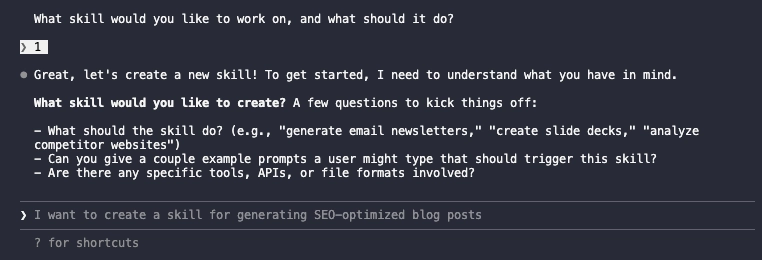
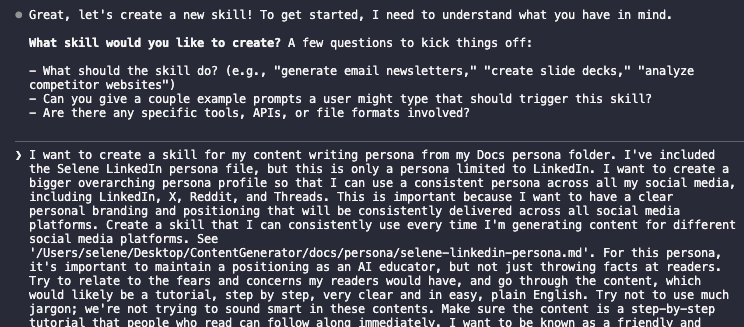
In this post I’m going to create a custom Claude skill that can replicate my exact social media content persona.
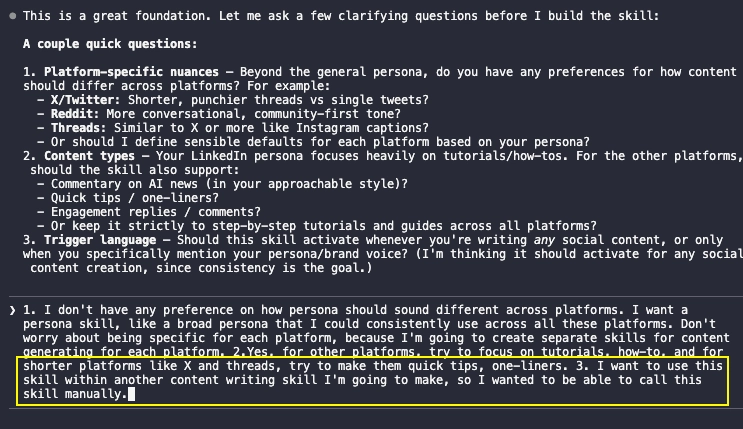
How I’m going to use this skill is that every time I want to generate a content, for example for LinkedIn or Reddit, I’m going to tell Claude to always use this skill.
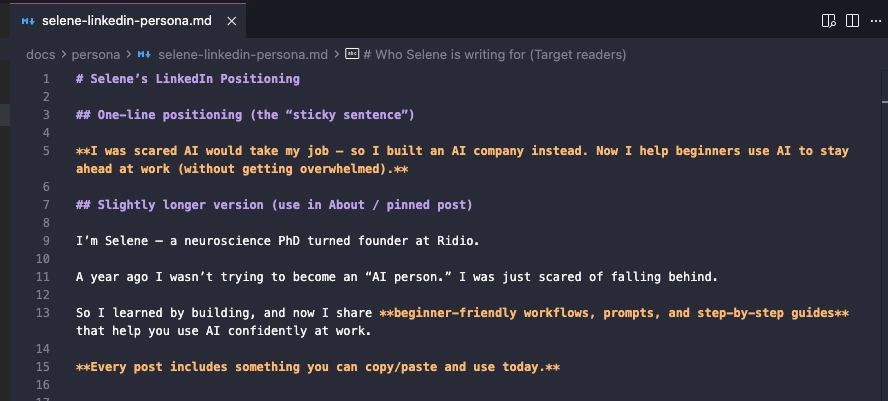
So the expected outcome is when Claude uses this skill, Claude will fully understand my persona. It will understand my social media audience, my goals, and my content pillars.
Therefore whenever I’m generating a new content, my content persona and pillars stay consistent, by simply calling this skill we’re about to create.
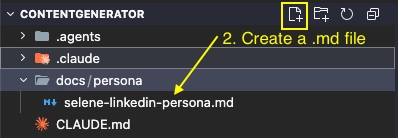
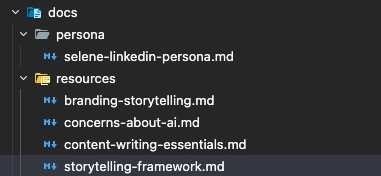
First let’s start by gathering resources and references that we want Claude to use when creating a custom Claude skill.
I’ve already done some brainstorming sessions with Claude about how to set my social media persona and content pillars so I’m going to start feeding this information to Claude.
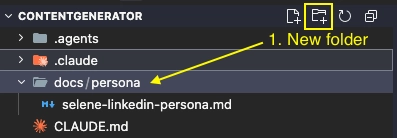

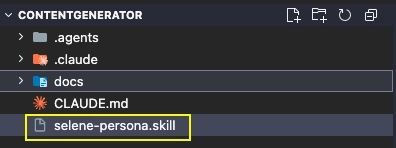
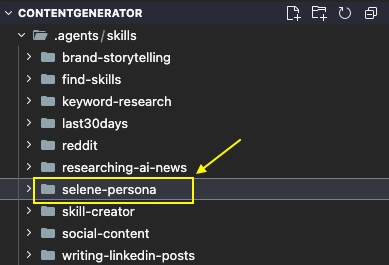
‼️ Note: If your skill doesn’t show up in the skills list in Claude (even after you re-started Claude), it is probably an issue with symlink. So ask Claude to fix the symlink for that skill.
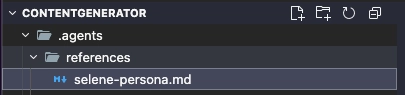
Now when we start to build more complex agent like ‘writing LinkedIn content’, we can include an instruction to the skill /selene-persona and then start writing.
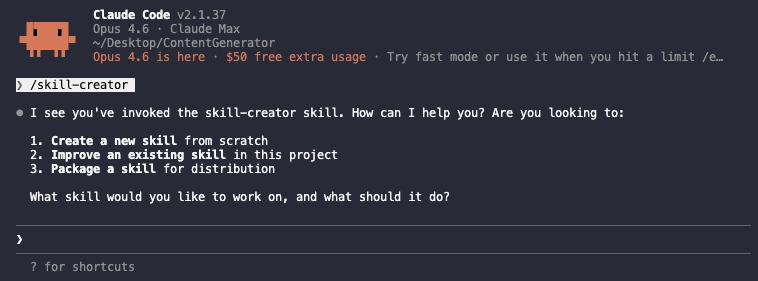
Creating a custom Claude skill is super simple using the /skill-creator skill.
Once you start testing out and using the skill, you might identify rooms for improvement and optimisation. On our next post we’ll go through how to optimise and edit your custom Claude skills.
Also in the following posts we’ll discuss how we can create an agent that can use these skills to perform specific tasks.
Make sure to check out our previous posts!
Follow for more AI juice on my socials.