Physical Address
304 North Cardinal St.
Dorchester Center, MA 02124
Physical Address
304 North Cardinal St.
Dorchester Center, MA 02124

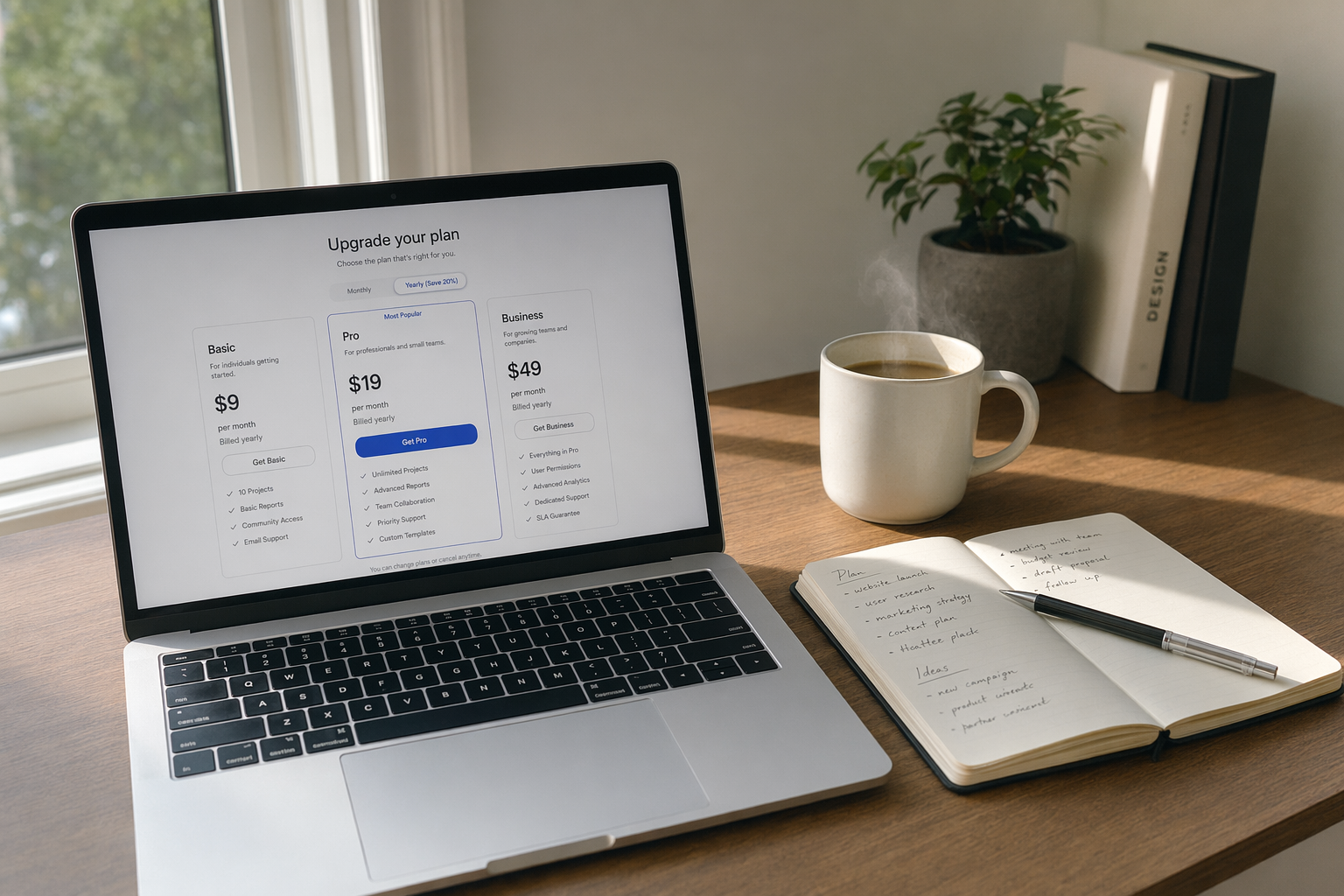
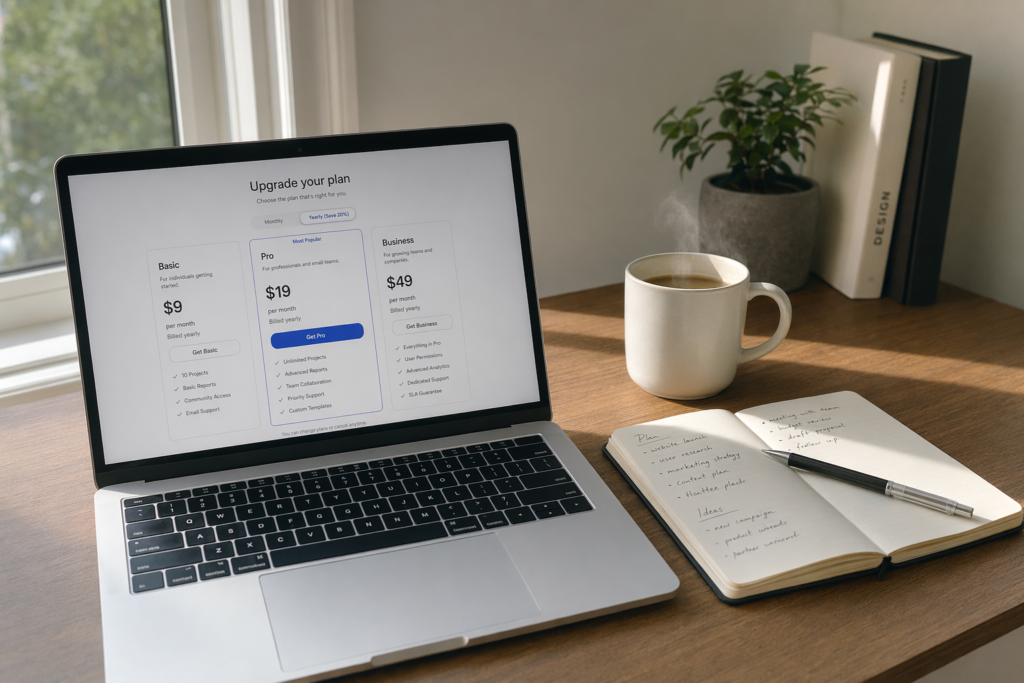
If you have used ChatGPT for more than a few weeks, you have almost certainly bumped into the free tier’s limits. The “you have reached your limit” warning halfway through a research session. The grey “browsing unavailable” message when you need today’s news. That is the moment most people start asking whether a ChatGPT Plus subscription is worth the £16 or so a month it costs in the UK.
This guide answers that question properly, drawing on OpenAI’s own documentation, peer-reviewed productivity research, and the state of the competitive market in May 2026.
ChatGPT Plus is OpenAI’s mid-tier paid plan for individual users of ChatGPT. It sits above the Free and Go plans, and below Pro, Business, and Enterprise. According to the official ChatGPT pricing page, Plus costs $20 per month and is billed monthly only.
As of May 2026, a Plus subscription unlocks:
Three tiers, three use cases: Free is for occasional questions, Plus is for people who use ChatGPT as a daily working tool, and Pro is for power users who would otherwise burn through Plus limits before lunch.
ChatGPT Plus costs $20 per month, which translates to roughly £16 to £17 per month depending on the day’s exchange rate. There is no annual plan, no education discount on Plus specifically, and as of May 2026 OpenAI does not offer prepaid yearly billing at a reduced rate.
That puts the all-in annual cost at $240 (around £190 to £200), as confirmed by the OpenAI Help Centre. VAT exemption requests are handled separately for eligible business customers via OpenAI’s billing support, but the headline price does not change.
Two cost facts worth keeping in mind:
If $20 is too much, the Go plan launched in December 2025 at $8 per month is the obvious step down, although it may include ads. If you regularly hit Plus ceilings, ChatGPT Pro starts at $100 per month and was deliberately positioned against Anthropic’s Claude Max at the same price point when it launched in April 2026.
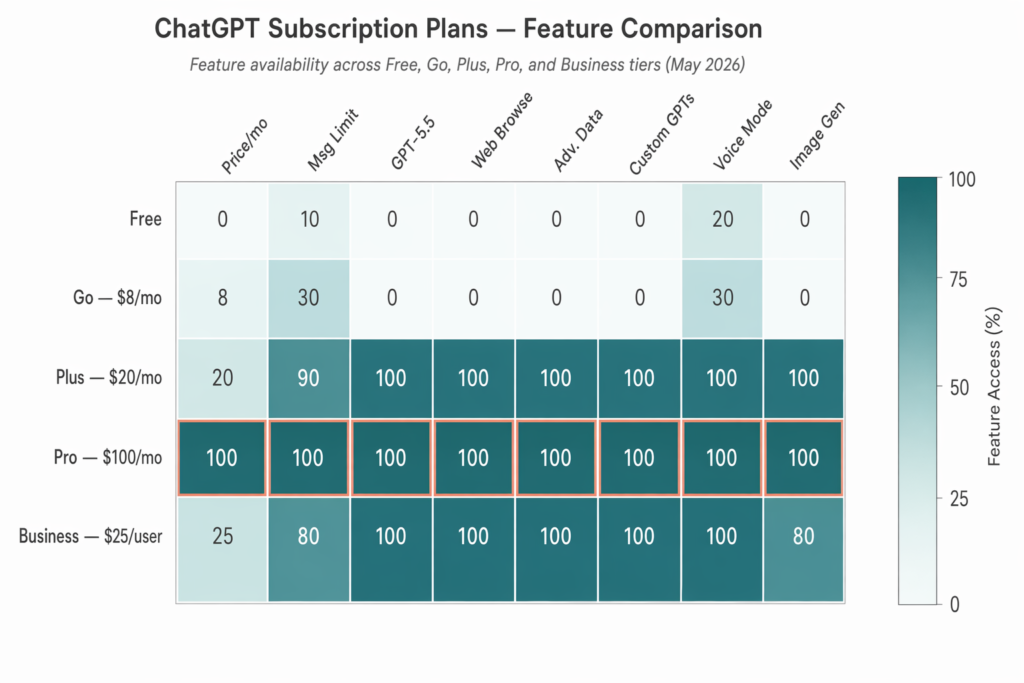
The gap between Free and Plus has widened considerably during 2025 and 2026, mostly because OpenAI keeps reserving newer capabilities for paying users.
Capacity is the most obvious difference. Free users get roughly 10 messages per five hours, or about 48 per day. Plus users get around 1,280 messages per day on GPT-5.2 alone, a 26x increase. For anyone using ChatGPT for real work, the free limit will be hit before the morning meeting.
Model access is the second major split. Free users currently get standard GPT-5 with limited tools. Plus users get GPT-5.5 Thinking plus the o3 and o4-mini reasoning models, which materially outperform standard GPT-5 on coding, mathematics, and structured analysis tasks.
Then there are the Plus-exclusive tools. Web browsing is no longer available on the free tier at all in 2026, which makes Plus essentially mandatory for anyone producing news commentary, market analysis, or any content that depends on current information. Advanced Data Analysis, Custom GPTs, Projects, Tasks, and Sora video generation are all Plus features too.
A nuance most reviews miss: the free tier in 2026 is useful for casual lookups and short emails. If your usage really is light, do not assume you need to pay. The decision should hinge on whether you regularly hit caps or need the exclusive features.
For most professionals, yes, and the maths is not subtle.
A peer-reviewed study published in Science in 2023 found that knowledge workers using ChatGPT completed writing tasks 40% faster with 18% higher quality output. A larger-scale 2024 to 2025 study of around 5,000 developers across Microsoft, Accenture, and a Fortune 100 company, summarised by the Communications of the ACM, found a 25%+ increase in completed tasks for developers using AI coding assistants, with less experienced developers seeing gains of 27% to 39%.
Run those numbers against the subscription price. If you value your time at $50 per hour and ChatGPT Plus saves you three hours a week, that is $7,800 of productivity per year for $240 of subscription. A 32:1 return is the kind of ratio that makes the question rhetorical.
Where Plus works well for professionals:
Where it is not worth it: people whose AI usage tops out at a couple of casual questions a day, students on tight budgets who can stay within free limits, and anyone who only needs API access (Plus does not include the API).
The competitive landscape in 2026 is unusually tight. The four main individual subscriptions are all priced within a pound of each other, which means the choice comes down to features rather than cost.
| Subscription | Price | Best for |
|---|---|---|
| ChatGPT Plus | $20/month | All-round assistant, Custom GPTs, multimodal work, video and image generation |
| Claude Pro | $20/month (~$17 billed annually) | Long documents, nuanced reasoning, 200,000-token context window |
| Gemini Advanced | $19.99/month | Google Workspace users, includes 2 TB of Google One storage |
| Microsoft Copilot Pro | $20/month | Heavy Microsoft 365 users, deeply embedded in Word, Excel, PowerPoint, Outlook |
| Perplexity Pro | $20/month | Search-first research with citations and real-time web data |
A practical breakdown. Pick Claude Pro if you spend most of your day inside long documents and need the larger context window. Pick Gemini Advanced if your team lives in Gmail, Docs, and Sheets. Pick Copilot Pro if your workflow is anchored in Microsoft 365. Pick Perplexity Pro if research with citations is 80% of what you do. Pick ChatGPT Plus if you want the broadest, most flexible all-rounder, especially for image and video generation, Custom GPTs, and Custom Workflows via Projects and Tasks.
Many serious users in London end up running two subscriptions, with ChatGPT Plus paired with Claude Pro the most common combination. $40 a month for two complementary tools still pays for itself many times over.
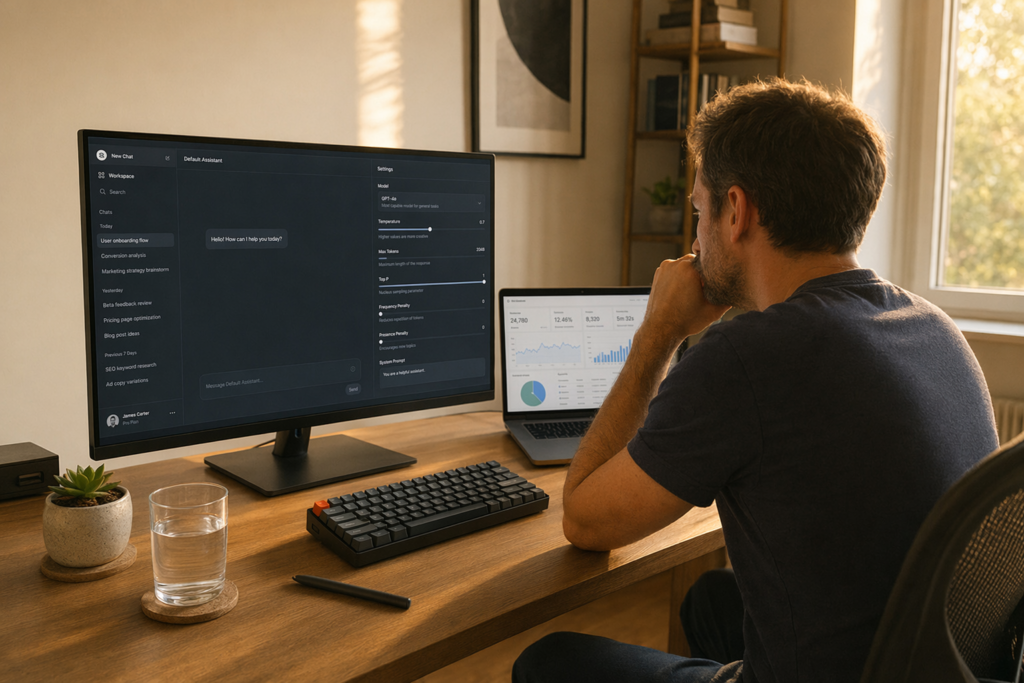
Subscribing takes about a minute. Sign in at chatgpt.com or open the ChatGPT mobile app, click your profile icon in the bottom-left corner, choose “Upgrade Plan”, and select “Get Plus”. Enter your card details and you are in. The first model upgrade usually takes effect within a few minutes.
Three practical notes for UK users. OpenAI charges in US dollars, so your card may apply a foreign transaction fee (Revolut, Wise, and Monzo typically avoid this). Apple App Store and Google Play subscriptions cost slightly more than going direct via chatgpt.com. UK businesses can claim VAT exemption by raising a request with OpenAI’s billing team after subscribing.
Cancelling is just as quick. Click your profile icon, go to Settings, then Account, and cancel. You keep Plus access until the end of the billing period. If you cancel and resubscribe later, your Custom GPTs, Projects, and chat history are preserved.
Seven concrete patterns that British users say move the needle:
Plus users do not just chat more, they offload entire categories of work that used to take separate tools.

By mid-2026, the relevant comparison is not Plus versus Free, but Plus versus Pro. ChatGPT Pro launched in April 2026 at $100 per month, with a higher $200 tier for the most demanding users.
Upgrade to Pro when you consistently hit Plus caps on the o3 or o4-mini models multiple days a week, run heavy Deep Research or long agentic tasks, or bill clients for AI-assisted work where the extra $80 per month is recovered in a single billable hour.
Stay on Plus when you use ChatGPT three to six hours a day but rarely hit message ceilings, or when your bottleneck is creativity and browsing rather than raw reasoning capacity. For most readers, Plus is still the right tier. Pro is targeted at heavy power users and small research-driven businesses.
When OpenAI first introduced ChatGPT Plus on 1 February 2023, the pitch was modest: priority access, faster responses, and early features. Three years later the same $20 a month buys GPT-5.5 Thinking, agentic Tasks, Custom GPTs, browsing, and video generation, all without a price rise. Whether or not Plus is right for you, the trajectory is one of the more user-friendly stories in AI consumer pricing so far.
Frequently asked questions
1. Does the ChatGPT Plus subscription include API access?
No. API usage is billed entirely separately at platform.openai.com rates. A Plus subscription only covers the ChatGPT web app and mobile apps, not programmatic API calls. If you are building software that calls the OpenAI API, you need a separate developer account regardless of whether you have Plus.
2. Is there an annual billing discount for ChatGPT Plus?
No. As of May 2026, ChatGPT Plus is strictly month-to-month at $20 per month. OpenAI does not offer a reduced annual rate. Claude Pro, by contrast, does offer roughly $17 per month when billed annually, which is one of the few areas where a direct competitor is meaningfully cheaper.
3. Can I share a ChatGPT Plus subscription with my team?
Not officially. Plus is a single-user subscription tied to one account. For teams, OpenAI offers ChatGPT Business at $25 per user per month, which adds shared workspaces, admin controls, and stronger data protections. Sharing a personal Plus account violates OpenAI’s terms of service and risks the account being suspended.
4. What happens to my Custom GPTs and Projects if I cancel?
They remain on your account but become read-only or unavailable while you are on the free tier. If you resubscribe later, full access is restored. Your chat history, uploaded files, and Custom GPT configurations are not deleted when you cancel.
5. Is ChatGPT Plus or Claude Pro better for writing long-form content?
For long documents, where the full context needs to fit in memory, Claude Pro’s 200,000-token context window is hard to beat. For most blog posts, articles, and standard reports, ChatGPT Plus is comfortably capable and benefits from Custom GPTs that bake in tone and structure. Many professional writers run both and switch based on the job.
This week, the AI industry moved beyond ambitious claims. OpenAI published machine-checkable proofs, model prices fell, autonomous agents…
Three teams released models above 900 billion parameters in a single week. The interesting question is not the…
GPT-5.6 solves a 50-year math problem. An AI agent raises $100 million. And Congress wants to know who…