Physical Address
304 North Cardinal St.
Dorchester Center, MA 02124
Physical Address
304 North Cardinal St.
Dorchester Center, MA 02124

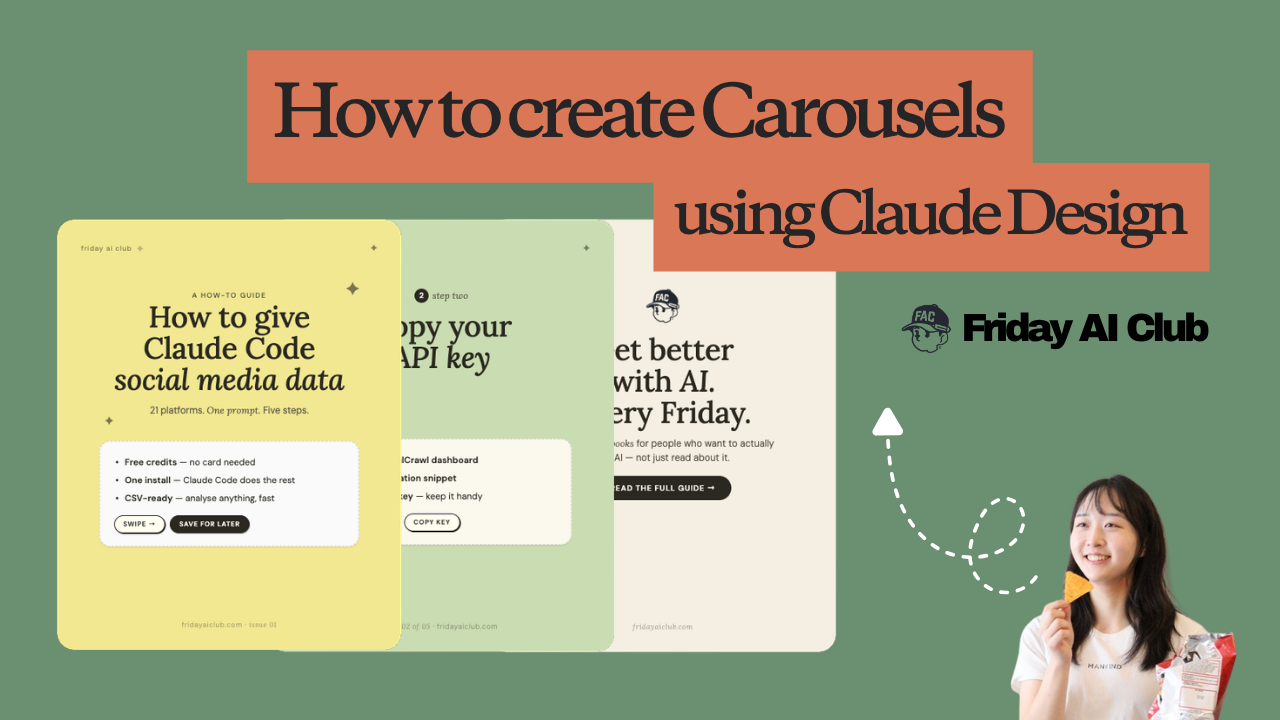
If you’ve been looking for a way to automate social media content, creating a carousel with Claude Design is worth testing. Claude’s design tool lets you generate multi-card carousels directly from your existing content, export them as PNGs, and optionally push them to Canva.
This tutorial walks through the exact steps, what works, and where Claude Design still falls short.
Claude Design is Anthropic’s visual content generation tool, accessible at claude.ai/design. It uses your brand assets (colours, fonts, logos) to generate on-brand visual content from prompts. Creating a carousel with Claude Design means turning a blog post or article into a shareable set of cards in a single workflow, without opening Figma or Canva.
Before you create a carousel with Claude Design, you need to tell it what your brand looks like. Skip this step and you’ll get generic AI-looking output.
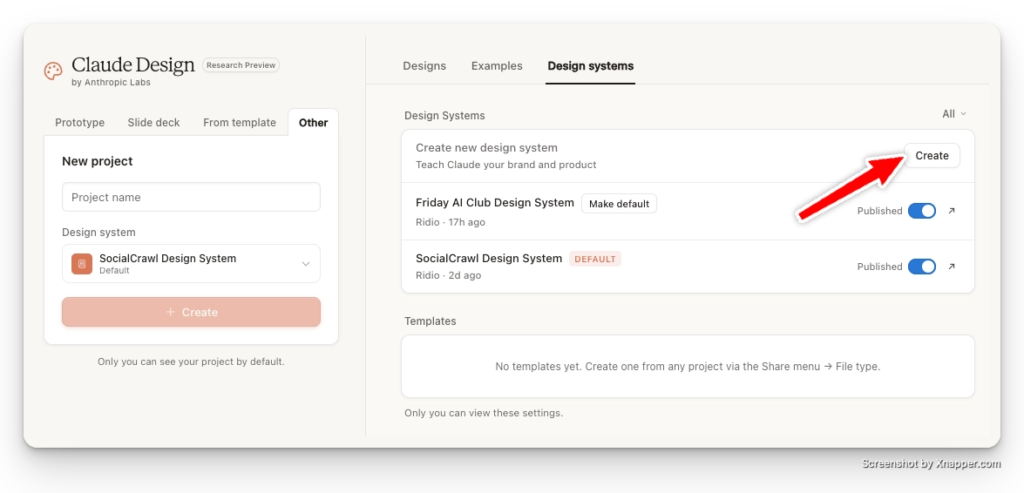
Go to claude.ai/design → Design systems → New design system.
If you do not create a specific design system, Claude Design will generate content using Claude’s own brand guidelines, which is likely to result in content that looks more like AI slop or is more obvious that Claude made it.
Add the following:
If you don’t have a Figma file or GitHub repo, leave those fields blank. The color book, logo, and font are the parts that actually matter.
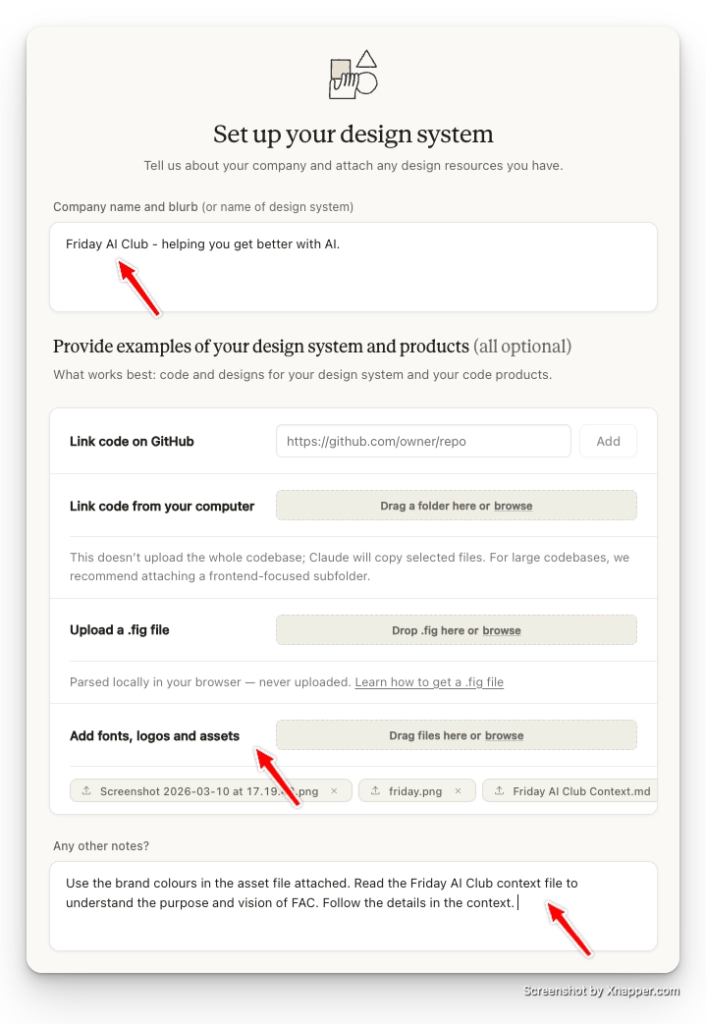
Once submitted, Claude takes a couple of minutes to generate the draft system.
Claude will walk you through each component one by one: colours, typography, spacing, and logo usage. For each one:
Go through all components before moving on. It’s worth being thorough here — the design system is what separates on-brand carousels from generic ones.
Go to New Project → select your design system → give the project a name → hit Create.
Attach a reference image of a carousel style you like. This is optional, but it makes a real difference to the output.
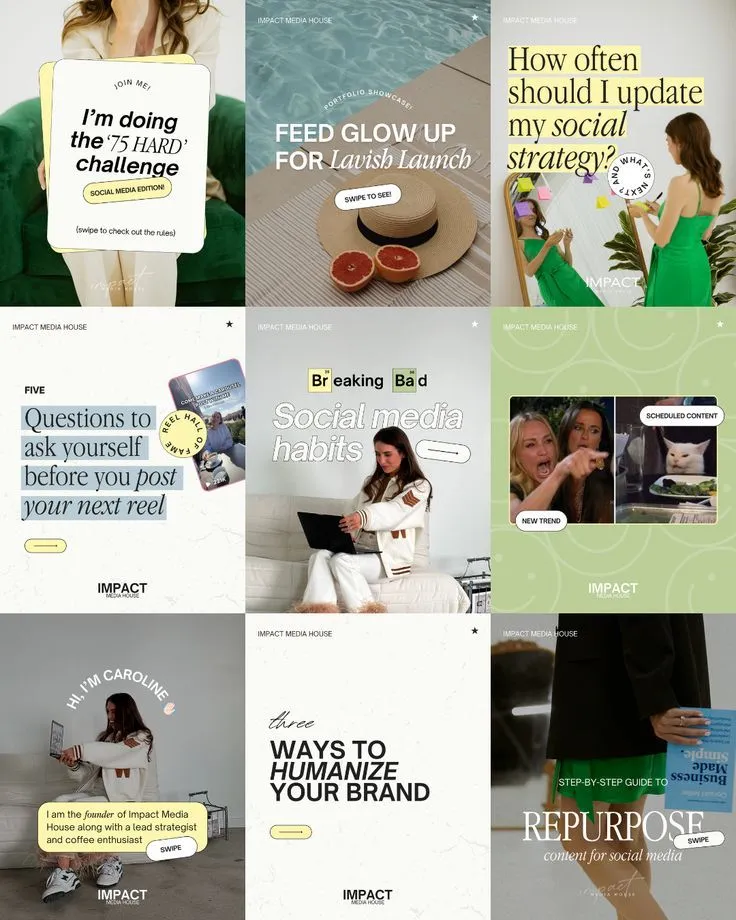
Then use this prompt (swap in your details):
Use these links/files to learn about [your carousel content].
I want you to generate a 6-8 cards carousel on the topic of: [your topic].

The cards must be structure like this:
1. First card: the heading, intro, hook, scroll stopping visual
2. Card 2-7: step by step on [your topic]. Only a specific/single step must be covered on each single card.
3. Last card: CTA to [your brand].

I've attached an image of a reference I want you to use as a benchmark. Do not plaigarise, just use as an inspiration.The first output is a good start, but it looks like AI slop and Claude, for some reason, did not use my system design! Also it didn’t even bother to check the reference I gave it.
I’m going to tell it to use my system design properly and attach my reference image again.
Unlike me, you might have gotten a satisfying design, and if you did, it’s ok to stop here.
Otherwise, keep talking with Claude to make changes and iterate.
My second output clearly has my system design integrated and Claude tried to use the reference style I provided. This is good.
One of the more useful things about creating a carousel with Claude Design is that you can experiment quickly.
Try attaching a different reference image and telling Claude to benchmark that style instead (sometimes overriding the design system entirely gives you a cleaner result when the reference has a strong aesthetic).
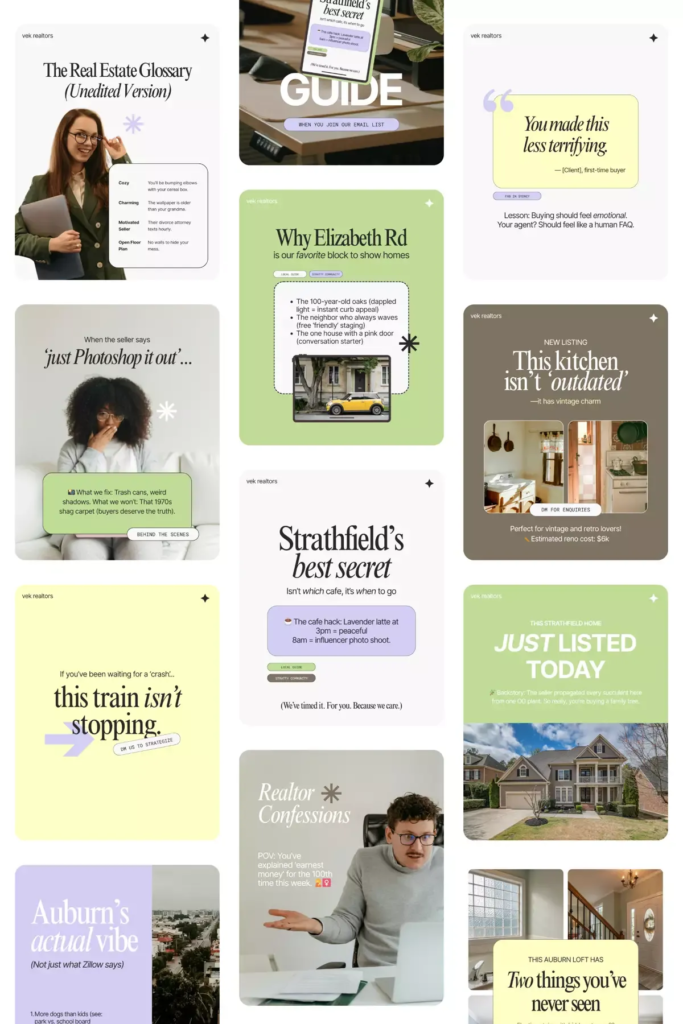
Keep iterating until the output looks right. Most people need 2–3 rounds.
If you’re happy with the output, I suggest exporting the files as png by giving this prompt:
Export the carousel cards in a png format. Make sure to export the card only and not the background. Export the entire individual card as a single png for all the cards. Claude will export all cards as separate files, ready to upload directly to Instagram, LinkedIn, or wherever you’re posting.
Claude Design can create beautiful carousels for you, but yet it has some limitations:
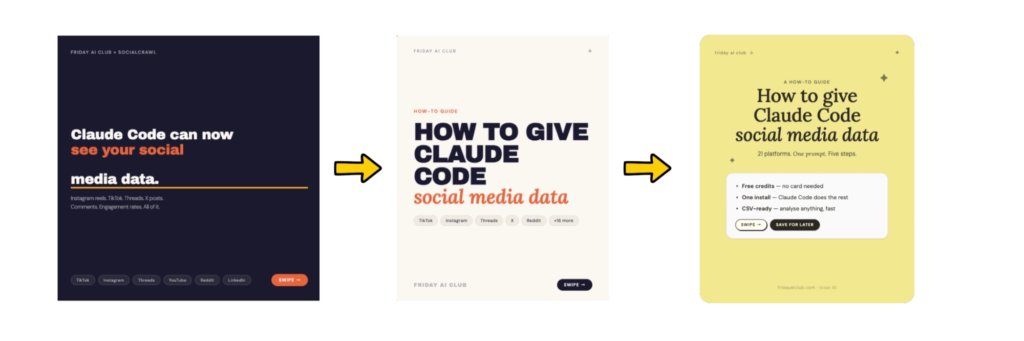
I’m impressed and believe it is a great tool for generating text-based carousels.
I personally like to add images and screenshots in my carousels, which is difficult to do on Claude Code. So if you’re like me, I think Claude design can be a good starting point for inspiration, but it still has to go through human touch to be publish-ready.
Also, given the time required and token usage, I would still go with Canva and its templates to create carousels for now.
👉 Claude Design Tutorial: Build A Social Media Dashboard
👉 How to Give Claude Code Social Media data
👉 Claude Code Tutorial for Beginners – Setup Guide
Claude Design has effectively lowered the bar for non-designers. I do a lot of content marketing, and I…
I came across WorldPulse 3D and wanted to build my own 3D world news map with Fable 5.…
The best Claude Code skills for founders I have tried 40 different plugins for my startup over the…