Physical Address
304 North Cardinal St.
Dorchester Center, MA 02124
Physical Address
304 North Cardinal St.
Dorchester Center, MA 02124


You can now give Claude Code social media data – yes it can access Instagram reels, TikTok, Threads, X posts, even comments and engagement rate to see what posts are going viral.
But the moment you want it to work with real social media data, things get messy.
TikTok, Instagram, and Reddit all have different authentication flows, pagination styles, and field names.
If you ask Claude Code to pull data from three platforms, it has to write three completely different integrations and handle the chaos that comes with each one.
This guide shows you how to give Claude Code access to a unified social media API so it can query any platform with a single, consistent request structure and get back clean, structured data every time.
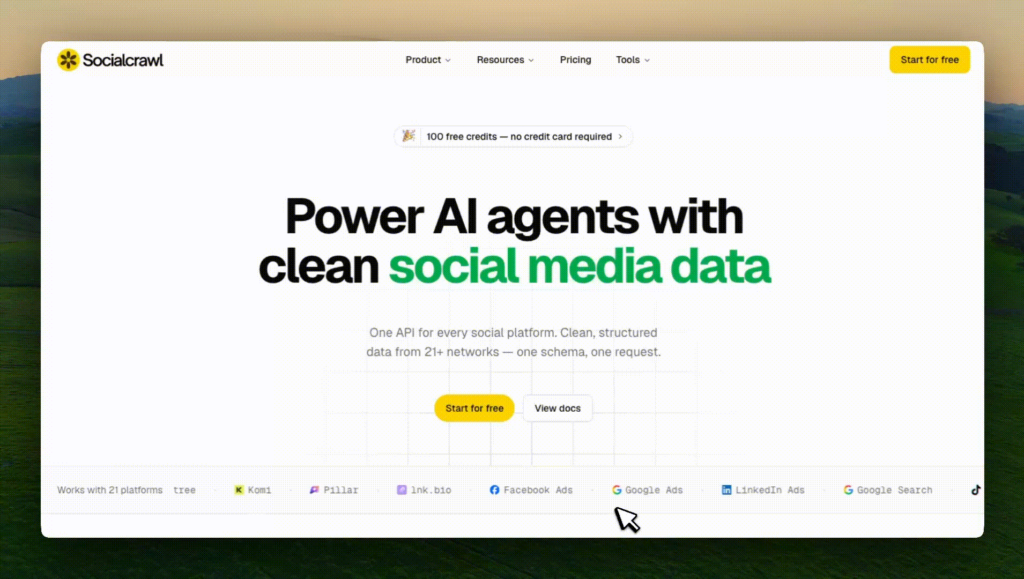
Head to socialcrawl.dev and create an account.
You get 100 free credits just for logging in, no credit card required.
That is enough to run a solid batch of requests and see exactly what the data looks like before you commit to anything.
Once you are in, open the dashboard.
You will see an installation code snippet waiting for you there. Copy it.
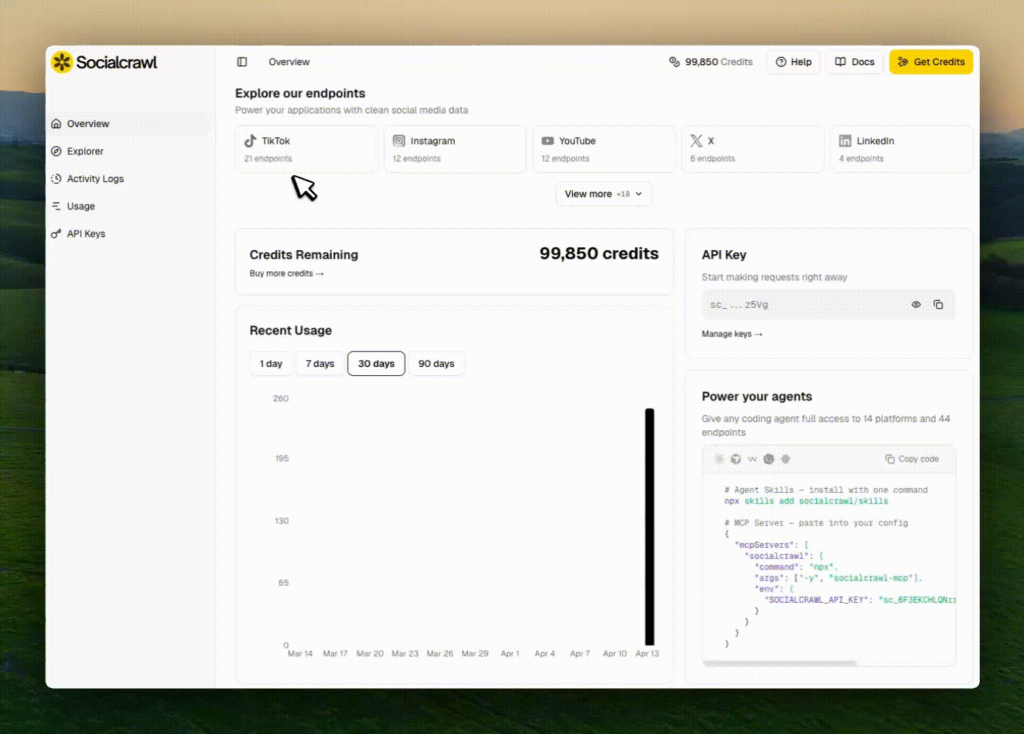
Paste the installation code directly into Claude Code.
This registers SocialCrawl as a tool Claude Code can call, so it knows the endpoint structure, the authentication pattern, and what a valid request looks like without you having to explain any of it. After the installation code, paste in your API key from the same dashboard. Claude Code stores this in your session context and will use it automatically on every request from that point on.
Now you can ask Claude Code to pull real data. A prompt like this is all it takes:
Use /socialcrawl to scrape the top scrape Threads posts from last 30 days. The criteria for posts are: English posts, AI industry, 30 top posts, more than 100 likes. Filter out any inappropriate or political content. Generate output in CSV file.You can be as specific or as broad as you like.
Ask it to pull Reels, YouTube Shorts, LinkedIn posts, TikToks, whatever platform is relevant to what you are researching.
Claude Code handles the request, parses the response, and surfaces the data in a readable format inside your terminal.
This is where it actually gets useful. Once Claude Code has the data, ask it to go deeper:
Analyse these posts. Break down the hooks, the CTAs, what formats are getting the most engagement, and what topics seem to be trending. Then export everything to CSV.Claude Code will identify patterns across the posts, pull out structural elements like hook type and call to action format, and write a CSV file with the results.
You end up with a structured dataset you can open in a spreadsheet, feed into another tool, or use directly to inform your next content batch.
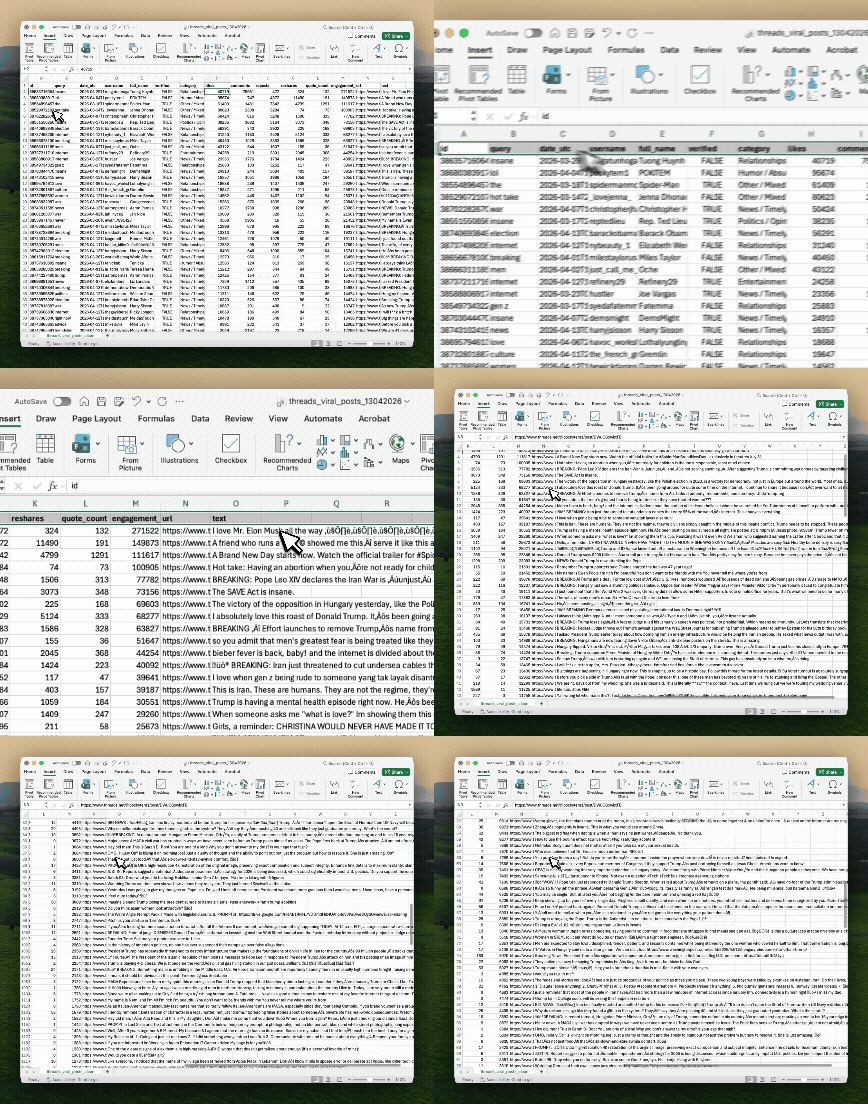
It doesn’t stop at simply scraping social media data.
The same setup works for competitive analysis, influencer vetting, trend spotting before a campaign, or building a repeatable monitoring workflow that you run weekly without touching it manually.
Because the data comes back clean and consistent across platforms, Claude Code can compare a LinkedIn post to a YouTube Short to a Threads reply without needing separate logic for each one.
👉 OpenClaw Setup Tutorial for Beginners
👉 Claude Code Tutorial for Beginners – Setup Guide
Most people still think about social media data in terms of posts, likes and follower counts. But a…
6 best Claude design skills for landing pages Ask an AI coding agent for a SaaS landing page…
This week, the AI industry moved beyond ambitious claims. OpenAI published machine-checkable proofs, model prices fell, autonomous agents…