Physical Address
304 North Cardinal St.
Dorchester Center, MA 02124
Physical Address
304 North Cardinal St.
Dorchester Center, MA 02124

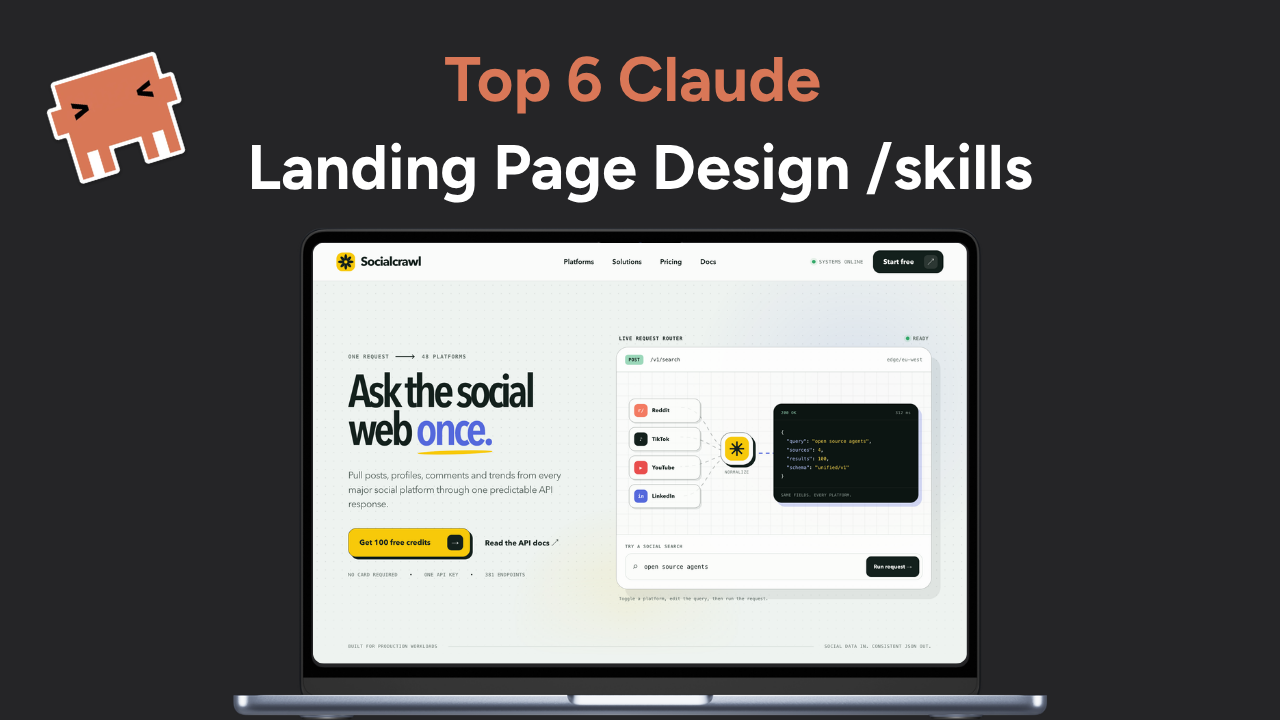
Ask an AI coding agent for a SaaS landing page with no further direction and the result is usually competent, familiar and forgettable: a centered hero, a safe sans serif, a purple glow and three equal feature cards (aka ‘AI slop’).
Claude design skills give the agent more to work with. They turn design judgment into reusable instructions, references and tools that Claude can load when a task calls for them. Instead of hoping a longer prompt produces better taste, you can give the agent rules for typography, layout, components, motion and interaction.
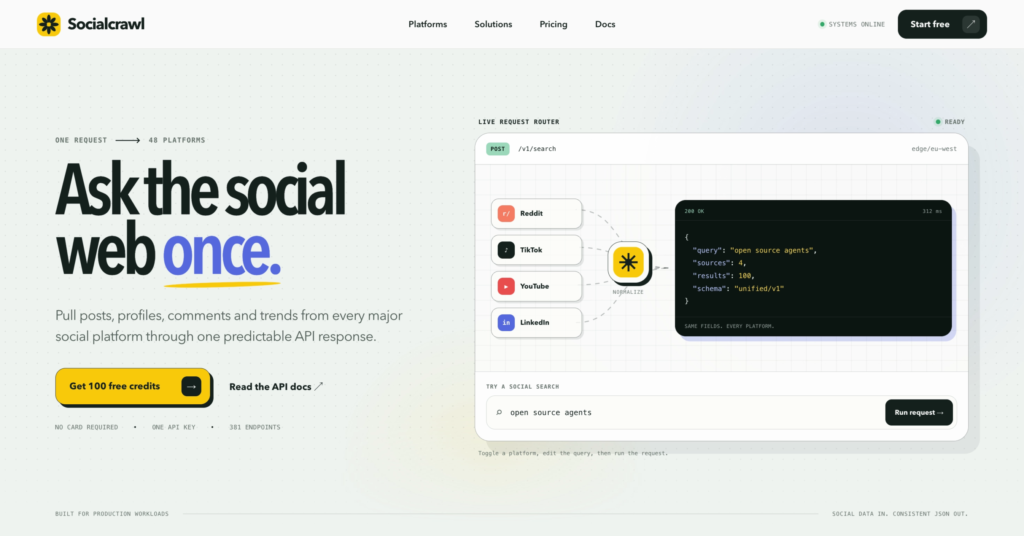
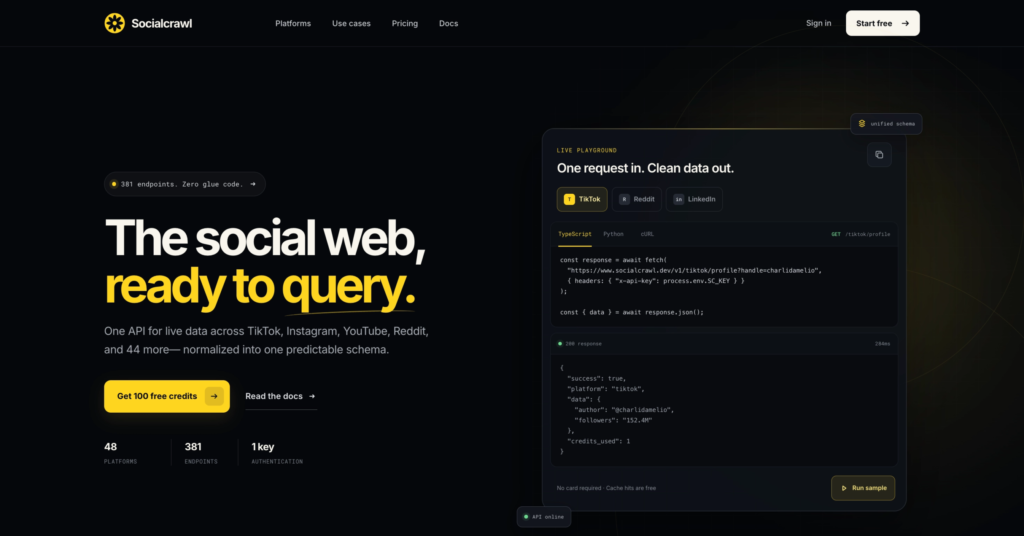
I cut this list to 6 skills that provide different style and taste. Then I’m going to test the 6 skills and use them to re-generate my landing page for SocialCrawl.
Claude design skills are folders that contain a SKILL.md instruction file and, when needed, supporting scripts or reference material. Claude checks which skills match a request, loads the relevant guidance and applies it while working. Anthropic describes skills as reusable packages for specialized tasks, with progressive loading to avoid filling the context window with instructions that are not needed. The same skill format can also work in other compatible coding agents. Read Anthropic’s explanation of Skills.
📌 Note that skills are not only restricted to Claude. You can install and use them with any other AI coding agents like Codex and Grok.
That makes a design skill different from a one-off prompt. A prompt tells the agent what you want once. A skill gives it a repeatable way to make decisions across a page or an entire project.
| Skill | Best for | What it adds |
|---|---|---|
| Anthropic Frontend Design | Landing pages and distinctive new interfaces | Strong visual direction before code |
| UI/UX Pro Max | Fast, product-specific design systems | Searchable guidance for palettes, type, layout and UX |
| Design Taste Frontend | Avoiding generic AI website patterns | Adjustable taste, motion and density rules |
| shadcn | SaaS products, dashboards and form-heavy apps | Production-ready components that live in your codebase |
| Official GSAP Skills | Scroll stories and motion-heavy sites | Correct animation APIs, sequencing and cleanup |
| Apple Design | Fluid, tactile web interactions | Gesture physics, interruptible motion and careful typography |
Anthropic’s Frontend Design skill is the best general starting point for a new site, portfolio or branded interface. It pushes Claude to settle on a specific subject, audience and visual point of view before it starts writing components.
That sounds simple, but it fixes a common failure mode. When the prompt is vague, an agent tends to average together familiar design patterns. This skill asks it to make deliberate choices about layout, palette and typography, then take one defensible aesthetic risk. The result is usually more coherent than asking Claude to “make it modern.”
Use it when you need creative direction. It is less useful when your product already has a strict design system and the task is mostly component assembly.
npx skills add <https://github.com/anthropics/skills> --skill frontend-design
Best for: landing pages, portfolios, launch sites and greenfield frontend work.
UI/UX Pro Max is closer to a searchable design reference than a short style prompt. Its repository includes product-specific patterns, palettes, font pairings, UX rules, chart guidance and recommendations for several frontend and mobile stacks.
The useful part is its design-system generator. Give it a product category and it can recommend a page pattern, visual style, color direction, typography and interaction rules. That gives founders a practical starting system instead of a random collection of attractive details.
There is a tradeoff. A large catalog can create false confidence if you accept every recommendation without looking at the product or its users. Treat the generated system as a reasoned first draft, then edit it. The skill is strongest when the brief includes the audience, platform, conversion goal and technical stack.
npx skills add <https://github.com/nextlevelbuilder/ui-ux-pro-max-skill> --skill ui-ux-pro-max
Best for: SaaS products, dashboards, ecommerce, mobile interfaces and teams that need a design system quickly.
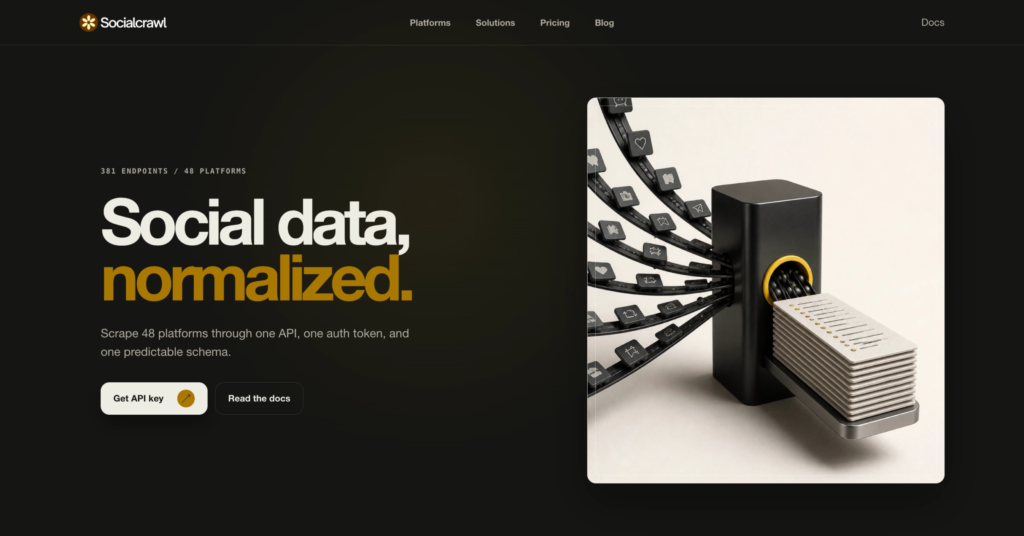
Design Taste Frontend is an anti-template framework for landing pages, portfolios and redesigns. It asks the agent to read the brief first, infer a design language and tune three explicit controls: design variance, motion intensity and visual density.
Those controls make the skill easier to steer than vague requests for “more creativity.” A developer can keep motion restrained while increasing layout variance, or build a dense product page without turning every section into a card grid. The current default is an experimental v2 with stricter preflight checks, a redesign audit and clearer implementation patterns.
This is the skill I would reach for when a first draft already works but still looks unmistakably AI-generated. It has strong opinions about repeated layout tropes, decorative clutter, arbitrary accent colors and fake product UI. Those opinions can clash with an established brand, so use the redesign mode when you need to preserve existing identity.
npx skills add <https://github.com/leonxlnx/taste-skill> --skill design-taste-frontend
Best for: opinionated landing pages, portfolio sites and redesigns that need a visible step up in taste.
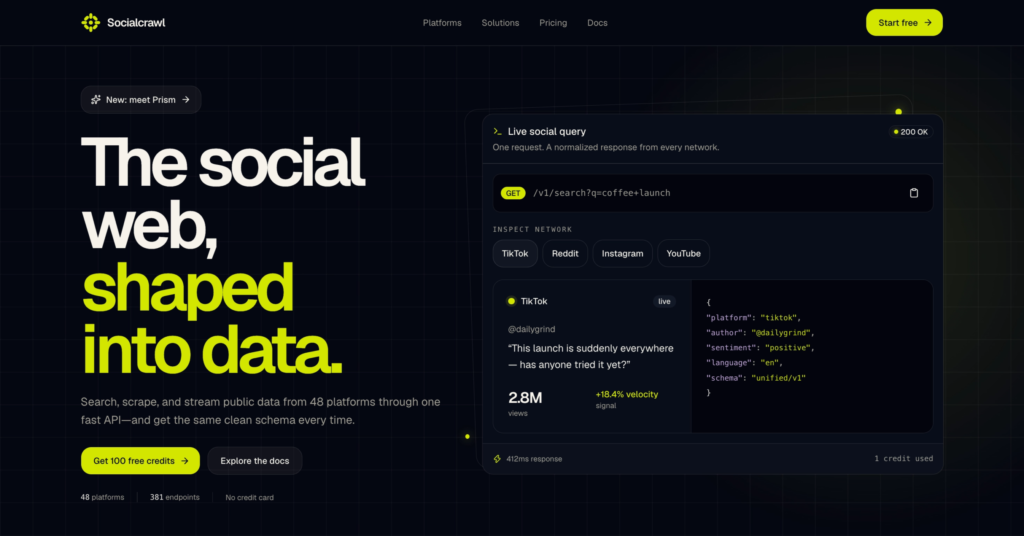
Visual direction is only half the problem. Product interfaces also need forms, dialogs, tables, navigation and accessible interaction states that remain consistent as the app grows.
The official shadcn skill helps Claude search registries, add components, inspect documentation, compose patterns and update existing components without blindly overwriting local changes. Because shadcn components are added as source code, your team owns and can edit the result. The skill also reads project context so imports, Tailwind conventions, aliases and component APIs match the codebase.
This is a better fit for applications than purely visual style skills. It will not invent a memorable brand by itself, but it gives Claude reliable building blocks for the parts users click, type into and depend on.
npx skills add <https://github.com/shadcn-ui/ui> --skill shadcn
Best for: admin panels, SaaS dashboards, settings screens, forms and React applications.
Animation is where plausible AI code often becomes fragile. A scroll effect may look fine on one screen and break when content changes, a route unmounts or a user prefers reduced motion.
The official GreenSock skill pack covers the GSAP core API, timelines, ScrollTrigger, plugins, React integration, framework lifecycles and performance. It gives Claude concrete rules for scoping selectors, cleaning up animations, avoiding stale ScrollTriggers and favoring compositor-friendly properties such as transforms and opacity.
This skill is highly suggested when motion is needed. It is especially useful for product reveals, interactive stories, pinned sections, SVG work and coordinated sequences. For a button hover or a small opacity transition, plain CSS is still the simpler choice.
npx skills add <https://github.com/heygen-com/hyperframes> --skill gsap
Best for: scroll-driven landing pages, interactive product stories and complex animation systems.
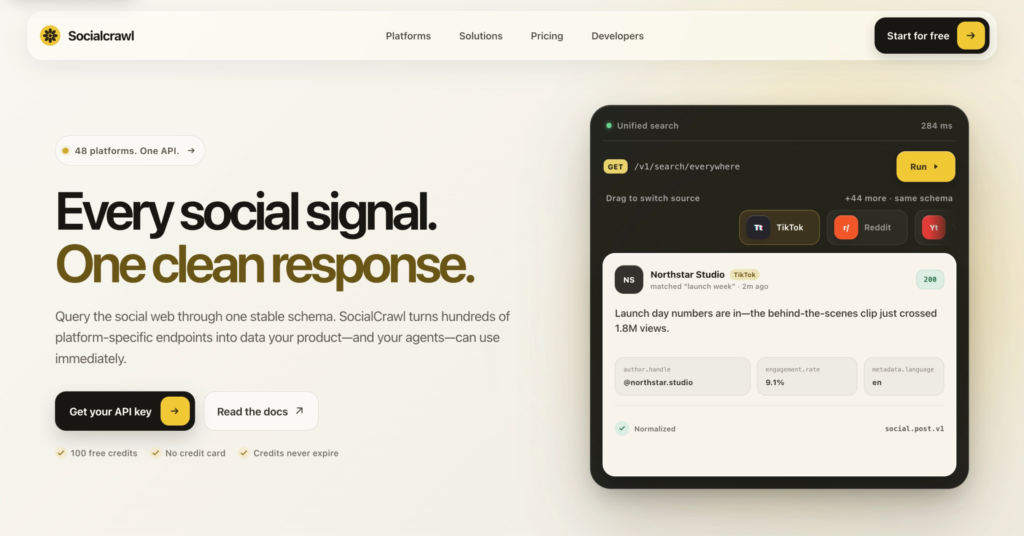
Apple Design, created by design engineer Emil Kowalski, translates ideas from Apple design talks into web implementation rules. It goes deeper than rounded corners, blur and an Apple-like color palette.
The skill focuses on how an interface responds. Buttons should react on press, draggable objects should follow the pointer, released gestures should carry velocity and moving elements should remain interruptible. It also covers spatial consistency, rubber-banding, translucent materials, optical typography and reduced-motion alternatives.
That makes Apple Design a good complement to the GSAP pack. GSAP teaches the agent how to implement and manage animation. Apple Design helps it decide how the interaction should feel. It is a community skill informed by Apple’s published talks, not an official Apple design package, and it is aimed at web interfaces rather than native SwiftUI development.
npx skills add <https://github.com/emilkowalski/skills> --skill apple-design
Best for: drawers, sheets, carousels, draggable cards, mobile web interactions and highly polished product UI.
Start with the message you want to deliver in your landing page and play around with a few skills.
If the page lacks a strong concept, use Anthropic Frontend Design. If you need a product-specific system quickly, add UI/UX Pro Max. Use Design Taste Frontend when the output feels templated, shadcn when the interface needs dependable application components, and the GSAP pack when motion becomes complex enough to need lifecycle and performance rules. Add Apple Design when tactile interaction is central to the experience.
Most projects do not need all six. A sensible landing-page stack might combine Anthropic Frontend Design with Design Taste Frontend. A SaaS dashboard may be better served by UI/UX Pro Max and shadcn. A motion-heavy product launch could pair Anthropic Frontend Design, GSAP and Apple Design.
Anthropic Frontend Design is the easiest place to start because it improves the creative direction without requiring a separate design database or component system. For React application work, pair it with shadcn.
The Skills CLI can place compatible skills in the correct directory for Claude Code and other supported agents. Run the install command from your project if you want the skill scoped to that project. Follow the repository’s instructions if you want a global or agent-specific installation.
Yes, but combine skills with distinct jobs. A visual-direction skill, a component skill and a motion skill usually complement one another. Installing several skills that all try to control the same aesthetic can produce conflicting instructions.
No. They make an agent more consistent and give it better defaults, but they do not supply user research, brand judgment or taste automatically. The best results still come from a clear brief, visual references, real content and review in the browser.
Many of them do. The Agent Skills format is portable, and repositories such as Design Taste Frontend and the GSAP skill pack document support for several compatible agents. Check each repository because installation and automatic discovery differ between tools.
👉 Grok 4.5 Coding Review: Fast, Cheap, but Lazy
👉 Claude Code Fable 5 vs Codex GPT-5.6 Sol: I made them build the same app
👉 Claude Code Tutorial for Beginners – Setup Guide
If you've been trying to decide between Claude Code vs Codex, you've probably run into the same wall…
If you've been hearing words like "vibe coding" and "AI coding agents" and you're not quite sure what…
Most people still think about social media data in terms of posts, likes and follower counts. But a…