Physical Address
304 North Cardinal St.
Dorchester Center, MA 02124
Physical Address
304 North Cardinal St.
Dorchester Center, MA 02124

Once you create a Claude Skill, the next job is testing it in a real workflow and refining it until the outputs are consistent.
This guide shows you how to test and optimise a Claude Skill step by step, so you can spot weak instructions, improve output quality, and make the skill more reliable over time.
The best way to test and optimise Claude skill is to run it in a real workflow and watch exactly what happens. This guide walks you through the full process from first run to polished output.
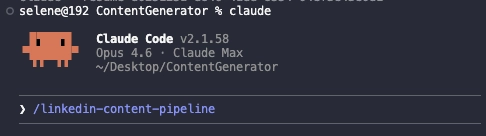
Before you test and optimise Claude skill, you need to restart Claude to make sure the new skill is properly loaded. Type Ctrl+C twice to restart. Once you’re back, you should see your skill appear in the menu. In this case, the LinkedIn content pipeline skill.
Run the skill as-is first, without making any changes. This baseline run is what lets you actually test and optimise Claude skill effectively.
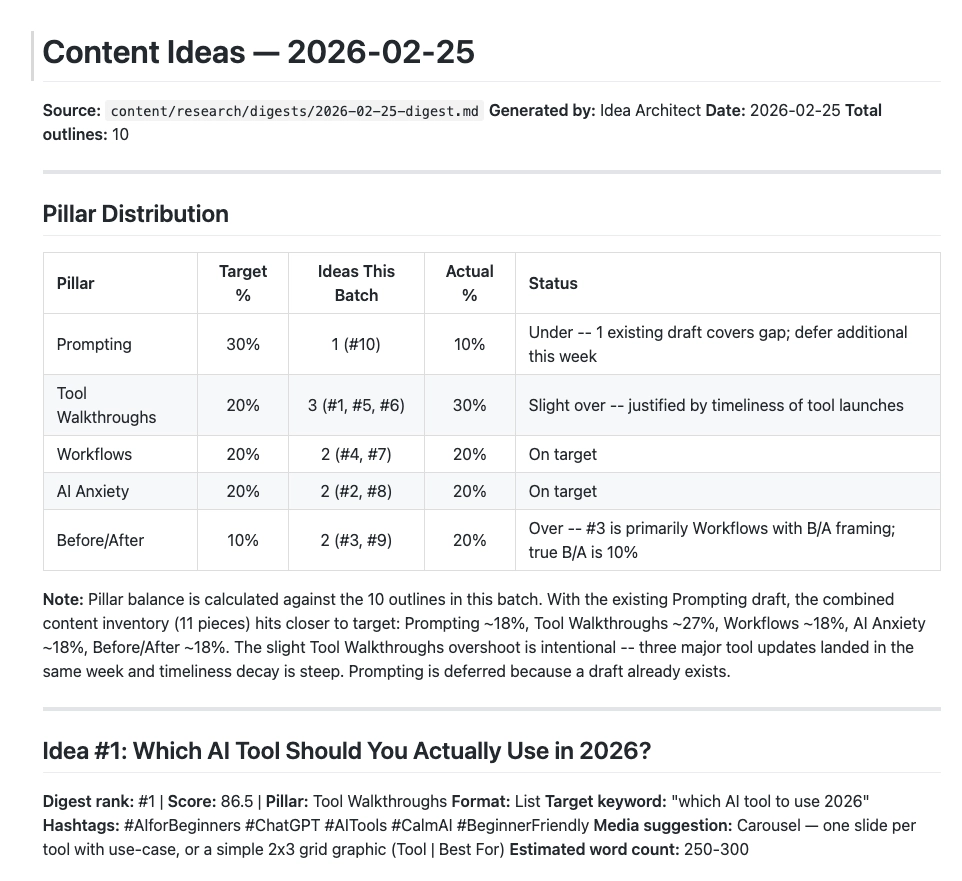
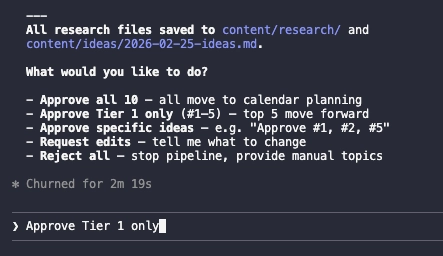
Claude ran the skill and generated a Markdown file with LinkedIn content ideas for the week: 10 ideas in total. Claude then asked which ideas to move forward with. Only Tier 1 ideas were approved, leaving Claude to proceed with those five.
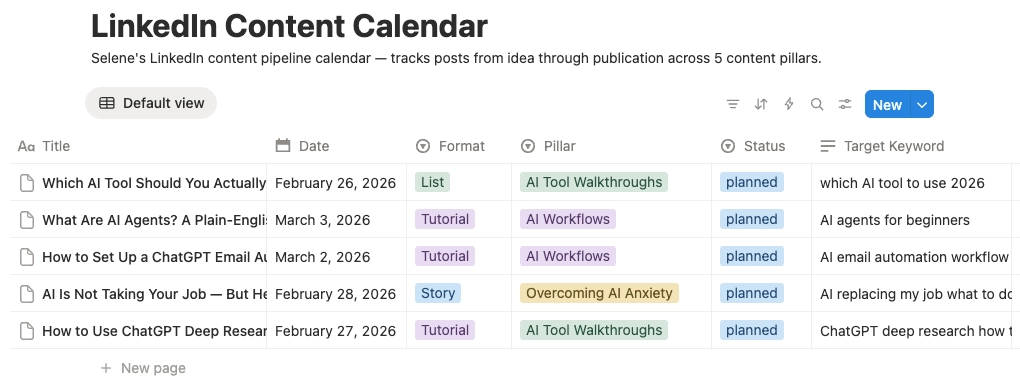
After approval, Claude uploaded the selected content to Notion. The link wasn’t immediately obvious, so when asked “Where is it?”, Claude returned a direct link. Following that link revealed all five LinkedIn content pieces fully structured and ready for the next step.

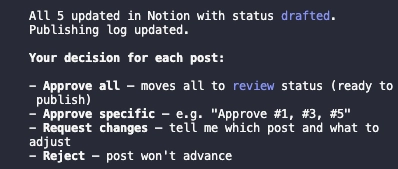
With the ideas approved, Claude generated the complete post content for each piece. Every post included:
The content quality was strong enough to approve all five posts immediately.

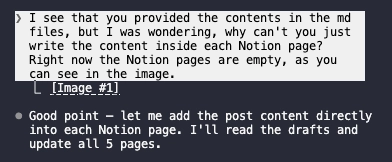
One issue worth flagging when you test and optimise Claude skill: Claude initially wrote all post content into MD files that could only be opened inside an IDE, leaving the actual Notion pages empty. After prompting Claude to move the content directly into each Notion page, the fix worked. Each page now shows the full post content, format, content pillars, SEO/GEO keywords, and publication status.
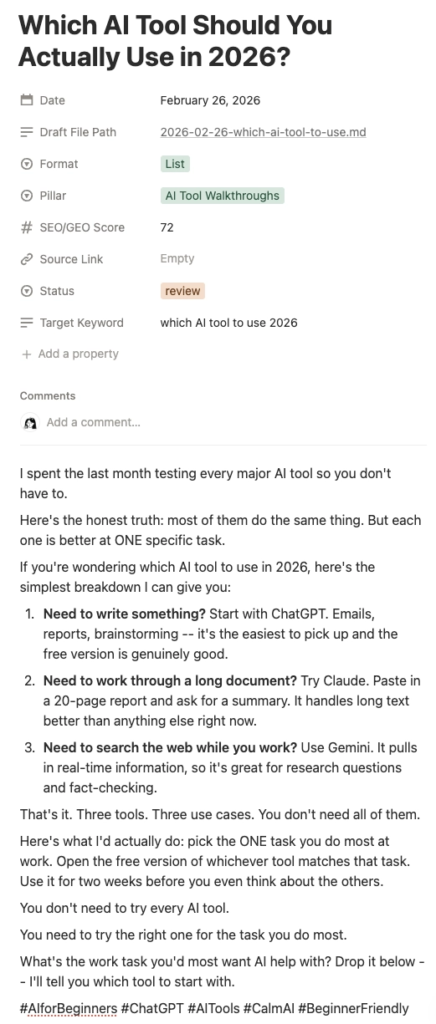
When you properly test and optimise Claude skill, you catch exactly these kinds of edge cases such as output going to the wrong place, approvals needing a nudge, formatting not matching the destination. The skill itself worked well: it generated structured, ready-to-publish LinkedIn content end-to-end inside Notion, with SEO targeting baked into every post. The real value of testing isn’t just confirming it works. It’s finding the small gaps that make the difference between a workflow you trust and one you’re always double-checking.
👉 How to create a PPT presentation with Claude
👉 Claude Code Tutorial for Beginners – Setup Guide
I came across WorldPulse 3D and wanted to build my own 3D world news map with Fable 5.…
The best Claude Code skills for founders I have tried 40 different plugins for my startup over the…
If you've ever tried to scrape TikTok data, you've probably hit the same wall. You search for a…