Physical Address
304 North Cardinal St.
Dorchester Center, MA 02124
Physical Address
304 North Cardinal St.
Dorchester Center, MA 02124

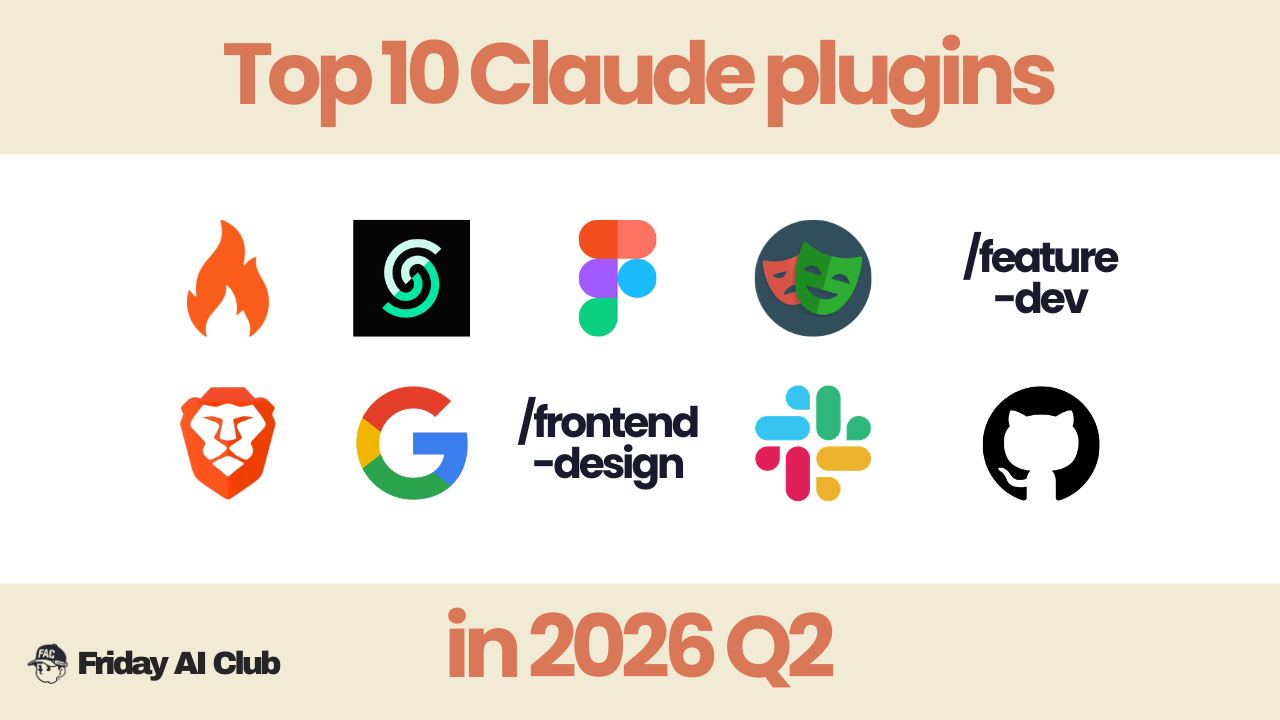
The best Claude Code plugins can turn Claude Code from a basic terminal assistant into a much more powerful development workflow.
This guide rounds up the top Claude Code plugins to try, including tools that help with web data, automation, and extending what Claude Code can do in practice.
Claude Code plugins have quietly turned a terminal coding tool into a full development stack. Since the plugin ecosystem launched in early 2025, it’s grown to over 9,000 plugins, most of which aren’t worth your time. These 10 Claude Code plugins are the ones that have actually changed how developers work day to day.
What are Claude Code plugins? Claude Code plugins are packages; skills, MCP servers, commands, or hooks that extend what Claude Code can do by connecting it to external tools and automating specific tasks. Most install with a single terminal command.
If your workflow ever needs real-time web data, this is the first Claude Code plugin to install.
Firecrawl turns any website into clean, structured markdown directly inside your coding session. It handles JavaScript-rendered pages, dynamic content, and proxy rotation automatically. Claude Code’s native web fetch can’t do any of that.
Install:
/plugin install firecrawl@claude-plugins-officialThen run /firecrawl:setup to connect your API key (500 free credits, no card required).
Best for: Documentation lookups, competitor research, changelog analysis, pulling structured data from multiple pages in one call.
Claude’s training data gets stale. Context7 fixes that by pulling live, version-specific API documentation directly into your session. No more hallucinated function signatures.
Install:
/plugin install context7@claude-plugins-officialBest for: Any project using rapidly evolving libraries where outdated docs cause real bugs.
Claude Code can now connect directly to a selected Figma design file, read components, frames, layout instead of giving them to Claude by screenshots or images.
This is great as it allows users to generate front-end code directly from the original design.
Install:
/plugin install figma@claude-plugins-officialBest for: Front-end UIUX designers and developers
Playwright gives Claude Code a real browser to test against. Write tests, automate UI interactions, and verify that what you built actually works: all from the terminal.
Install:
/plugin install playwright@claude-plugins-officialBest for: End-to-end test generation, form automation, and any workflow requiring real browser interaction.
Feature-Dev helps you think like a senior engineer. It turns a feature request into a thorough 7-phase workflow:
Install:
npx skills add anthropic/feature-devBest for: Building complete features, not just code snippets
Brave search MCP allows Claude to get access to the live internet. Brave search allows Claude to search current events, check stock prices, verify information real-time.
Install:
Sign up for a Brave Search API account and generate your API keyBest for: Research, fact-checking real-time, current events
This is a unified CLI for all Google Workspace APIs with a built-in MCP. It gives Claude direct access to your ENTIRE Google Workspace!
Before gws, connecting Claude to Google required separate OAuth setups for Drive, Gmail, Calendar, Sheets.
Google shipped gws and changed everything.
Install:
npm install -g @googleworkspace/cli
gws mcp -s drive,gmail,calendar,sheets
Best for: Google Workspace heavy users
AI-generated UI tends to look the same: safe fonts, shallow hierarchy, placeholder-feeling components. The Frontend Design skill pushes Claude toward more intentional typography, spacing, and layout choices automatically. No extra prompting required.
Install:
npx skills add anthropic/frontend-designBest for: Anyone building product UI who’s tired of cleaning up generic AI output before it’s usable.
It reads channel history, summarizes threads, posts messages.
The January 2026 update added interactive drafting, you can now:
Install:
Available in official Slack MarketplaceBest for: Anyone working across multiple Slack channels, workspaces, and teams
Claude Code already handles Git natively, but pairing it with the GitHub MCP closes the loop entirely. It lets Claude search repos, read code, open issues, and create pull requests.
Claude will:
Available in official Anthropic marketplaceBest for: Software developers working with GitHub
Which of these Claude Code plugins made it into your stack? Drop it in the comments — always curious what’s actually getting used.
👉 How to create a PPT presentation with Claude
👉 Claude Code Tutorial for Beginners – Setup Guide
I came across WorldPulse 3D and wanted to build my own 3D world news map with Fable 5.…
If you've ever tried to scrape TikTok data, you've probably hit the same wall. You search for a…
How to find viral hooks for reels in your niche (using real TikTok data) If your reels aren't…