Physical Address
304 North Cardinal St.
Dorchester Center, MA 02124
Physical Address
304 North Cardinal St.
Dorchester Center, MA 02124

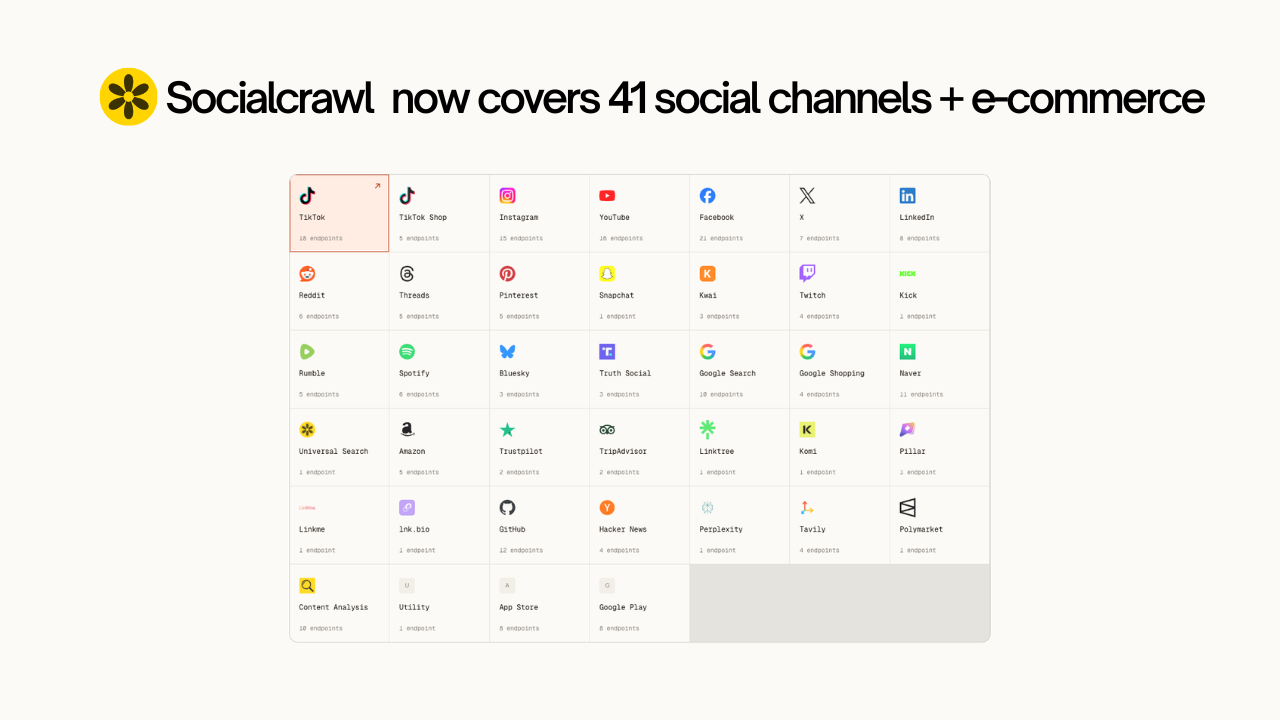
If you’ve been using SocialCrawl as your social media crawler for TikTok data, LinkedIn lead gen, or Reddit research, there’s a lot more to work with now. The latest update added 7 new platform integrations and over 30 new endpoints, pushing the registry to roughly 41 platforms and 200+ active endpoints total.
This post covers what’s actually live, what each integration is for, and how you’d use it in a real workflow.
Four entirely new platforms joined the social media crawler: Bluesky, Google Shopping, App Store, Trustpilot, TripAdvisor, and a Content Analysis engine.
Everything runs through the same SocialCrawl API envelope as you already know.
Here’s the quick overview:
| Platform | What’s new | Endpoints added |
|---|---|---|
| Amazon | Product search, detail, reviews, sellers | 4 |
| Google Shopping | Product search, detail, reviews, sellers | 4 |
| Trustpilot | Business search, company reviews | 2 |
| TripAdvisor | Place search, reviews | 2 |
| Google Play | App search, detail, reviews, charts, listings database, categories, locations, languages | 8 |
| Apple App Store | App search, detail, reviews, charts, listings database, categories, locations, languages | 8 |
| Bluesky | Profile, user posts, post with threaded replies | 3 |
| Content Analysis | Web-wide mentions, sentiment, rating distribution, phrase trends, category trends, reference endpoints | 10 |
These two are the most useful additions if you’re doing any kind of e-commerce research, competitor analysis, or price monitoring.
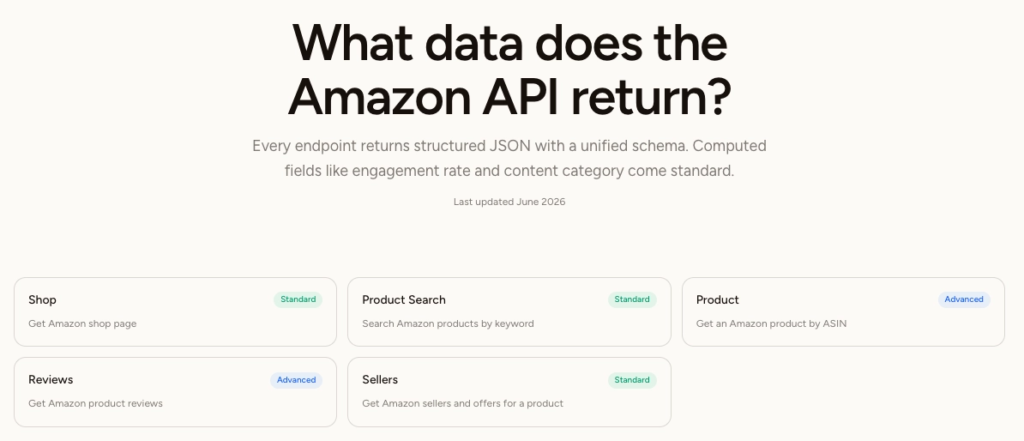
The Amazon integration gives you four endpoints. You can search for products by keyword using /v1/amazon/product-search, which returns titles, prices, ratings, and the product’s ASIN (Amazon’s unique product identifier) for up to 700 results in a single call. From there, you can pull full product detail, a list of all sellers and offers for that product, or the reviews embedded on the product page. The product and review data share one upstream call, so you’re not paying twice.
One thing worth knowing: the dedicated reviews endpoint is capped at what Amazon embeds on the product page, which is typically 8 reviews, sometimes up to 13. There’s no way to paginate further at the moment, so factor that in if you need deep review data.
Google Shopping works similarly but has a two-step flow. You run a product search first, which gives you a set of IDs (product_id, gid, and data_docid). You then pass those IDs to the product detail, reviews, or sellers endpoints. Reviews here are pulled from across retailers, so the source field tells you which retailer each review came from.
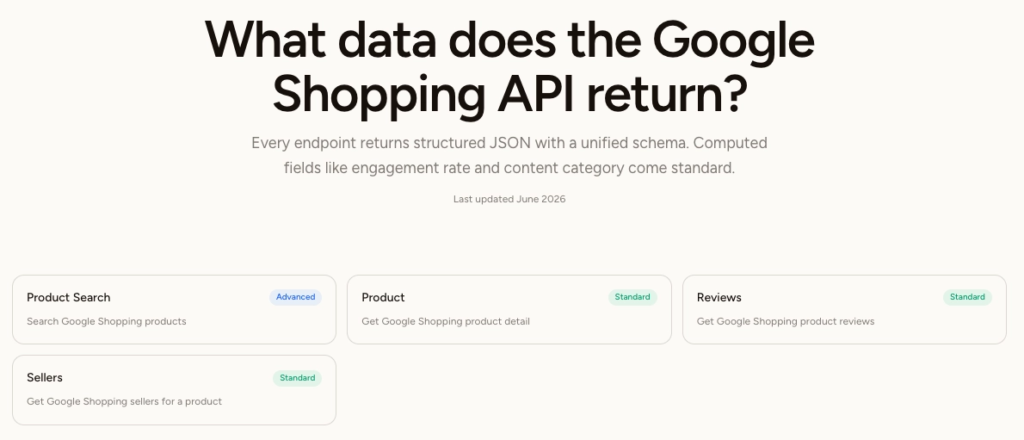
A practical use for both: if you’re tracking a product category, you can run a keyword search on Amazon and Google Shopping in parallel, then compare pricing, seller counts, and review sentiment across both marketplaces with a single API key.
These two follow the same pattern: search first to find the entity, then pull reviews.
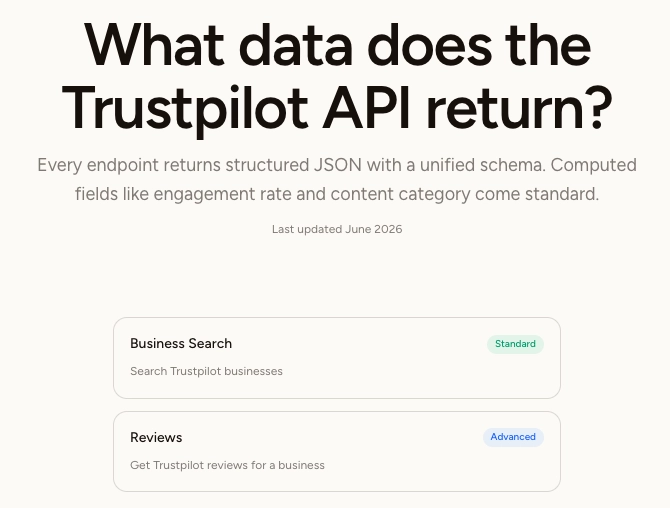
Trustpilot is business-reputation data, not product reviews. You search by company name using /v1/trustpilot/business-search, which returns the company’s domain, review page URL, and total review count. You then use the domain to pull up to 200 reviews, including the review text, star rating, language, and any owner responses.
TripAdvisor covers restaurants, hotels, and attractions. You search by location and keyword, get a url_path back for your target place, then pull reviews using that path. You can filter those reviews by star rating, visit type (business, family, couples), keyword, and language. It’s useful for hospitality research, competitor monitoring for local businesses, or building tools that aggregate review data across platforms.
One difference between the two: Trustpilot caps at 200 reviews with no pagination beyond that. TripAdvisor doesn’t have the same hard cap, and you can filter the results more granularly.
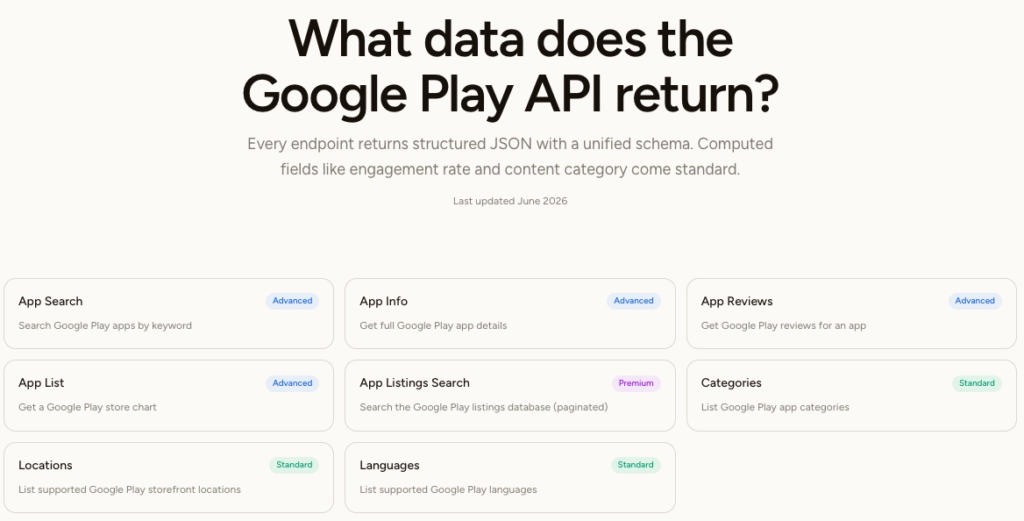
The endpoint lineup is identical across Google Play and the App Store: app search by keyword, full app detail by ID, user reviews, top charts, a paginated listings database, and three reference endpoints for categories, locations, and languages.
For Google Play, you reference an app by its package name (the string you see in the Play Store URL, like com.example.app). For the App Store, you use the app’s numeric ID. Both search endpoints let you filter by country storefront and language, and you can pull up to 300 results per search call.
The reviews endpoints return user reviews with developer replies included, which is useful if you’re doing customer feedback analysis or tracking how a company responds to negative reviews at scale. Core endpoints (search, detail, reviews, charts) cost 5 credits per call. The listings database, which is paginated and lets you search across a broader index of apps, costs 10 credits. Reference lookups like categories and locations cost 1 credit.
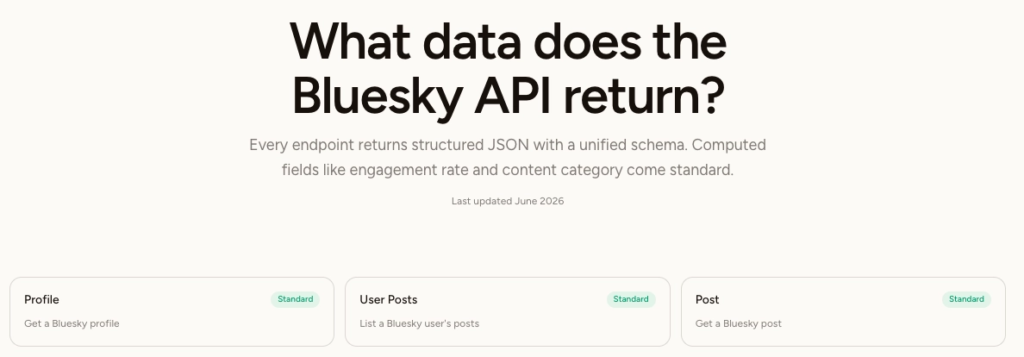
Bluesky has 3 endpoints: profile, user posts, and individual post detail with threaded replies. All three cost 1 credit per call, which makes it the most affordable platform in this update to experiment with.
The endpoints are straightforward. You pull a profile by handle, a user’s post feed by handle, or a single post with its full reply thread. That covers the main things you’d want for social listening, influencer research, or tracking how conversations develop around a topic.
What’s worth calling out is what you don’t have to deal with. Bluesky is built on AT Protocol, which is Bluesky’s open social networking standard. If you go directly to the source, you’re setting up session-based authentication with app passwords or OAuth, writing an XRPC client, and navigating lexicons and DIDs (decentralised identifiers). That’s a real engineering investment before you’ve pulled a single post. The SocialCrawl endpoint is a plain GET request with your existing API key. Same data, none of the setup.
One thing to understand going in: this is read-only access to public data. You’re not getting access to the AT Protocol firehose (the full real-time stream of everything on the network) or the ability to post. If you need those, you’d still go directly to the protocol. But for research, monitoring, and data collection on public accounts and conversations, the three endpoints here cover the most common use cases.
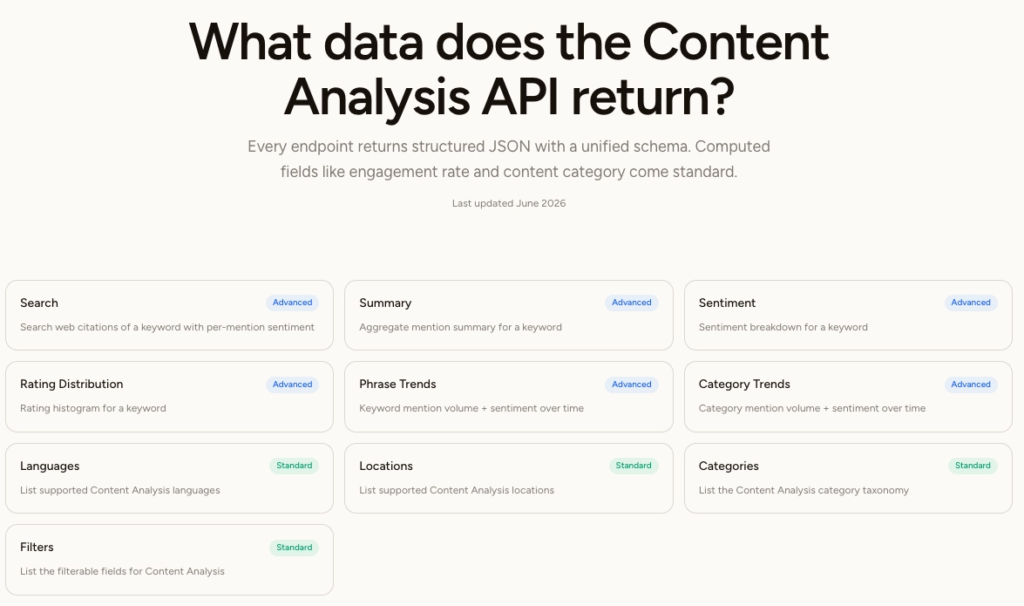
This is the most different addition in the update, and it’s worth understanding what it actually is before you try to use it.
Content Analysis is not a social media crawler in the traditional sense. It doesn’t pull posts from Instagram or comments from Reddit. Instead, it scans the broader web: news articles, blogs, e-commerce sites, and forums, to find where a keyword or brand name is being mentioned and what the sentiment is around those mentions.
There are six analytic endpoints. The summary endpoint gives you a single-call roll-up: total mention count, top domains mentioning the term, sentiment breakdown (positive, neutral, negative), and breakdowns by page type, country, and language. The sentiment endpoint goes deeper on the emotional analysis, returning a 6-axis emotion distribution. The phrase-trends endpoint shows you mention volume and sentiment over time, by day, week, or month.
If you want the raw mentions themselves, search gives you paginated results with per-mention sentiment attached. It’s cursor-paginated, so you can work through large datasets without losing your place.
One important thing: the sentiment output comes from an NLP model and is passed through as-is. It’s useful directional data, not ground truth. Don’t treat a 72% positive score as a precise measurement, but it’s a solid signal for trend monitoring or competitive analysis.
A practical use case: if you’re monitoring a client’s brand reputation, you can run summary weekly to track whether mention volume and sentiment are shifting, and use phrase-trends to see if a particular news event caused a spike.
Our team is constanly adding new endpoints and platforms based on user feedback. We’re always listening to our user experience and trying to implement channels that the SocialCrawl community and users would find useful. One update coming up next is news crawling!
👉 Claude Design Tutorial: Build A Social Media Dashboard
👉 How to Give Claude Code Social Media data
👉 Claude Code Tutorial for Beginners – Setup Guide
Most people still think about social media data in terms of posts, likes and follower counts. But a…
Grok 4.5 might be the first frontier coding model that feels fast enough for everyday work without feeling…
If you've been trying to decide between Claude Code vs Codex, you've probably run into the same wall…